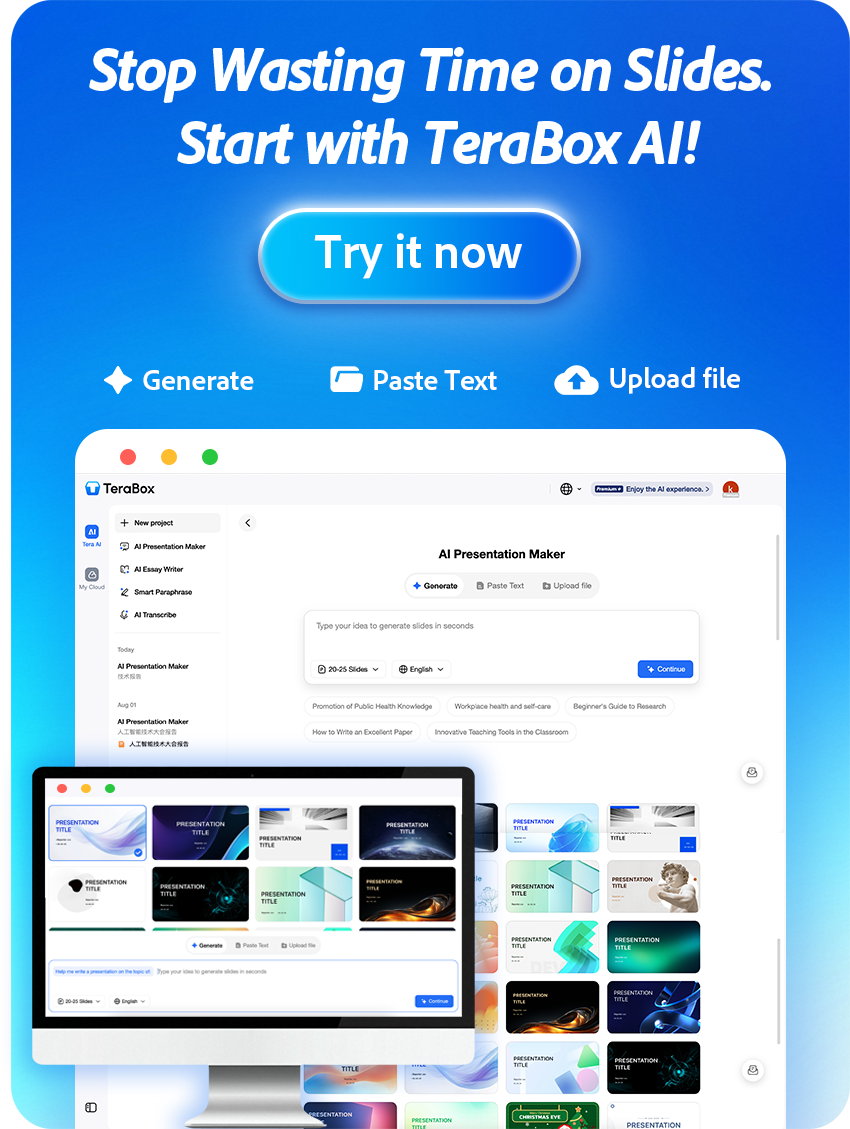
What if you could transform a broad question into a structured, source-backed research report in minutes? With TeraBox Deep Research, that’s now possible!
AI has profoundly impacted how we gather and analyze information, enabling professionals and students to obtain validated insights without weeks of manual labor. If you are looking for a tool that delivers thorough, source-backed reports with minimal effort, you’ve found the right place.
TeraBox Deep Research is designed to handle complex research tasks—from market analysis and competitor intelligence to academic reviews and financial due diligence. It automates data collection, multi-source validation, and synthesis, turning your query into a professional-grade report.
Step 1: Get Started
To start your first research project:
- Open your web browser and go to TeraBox.
- Sign in to your TeraBox account. New users can register quickly via email or Google.
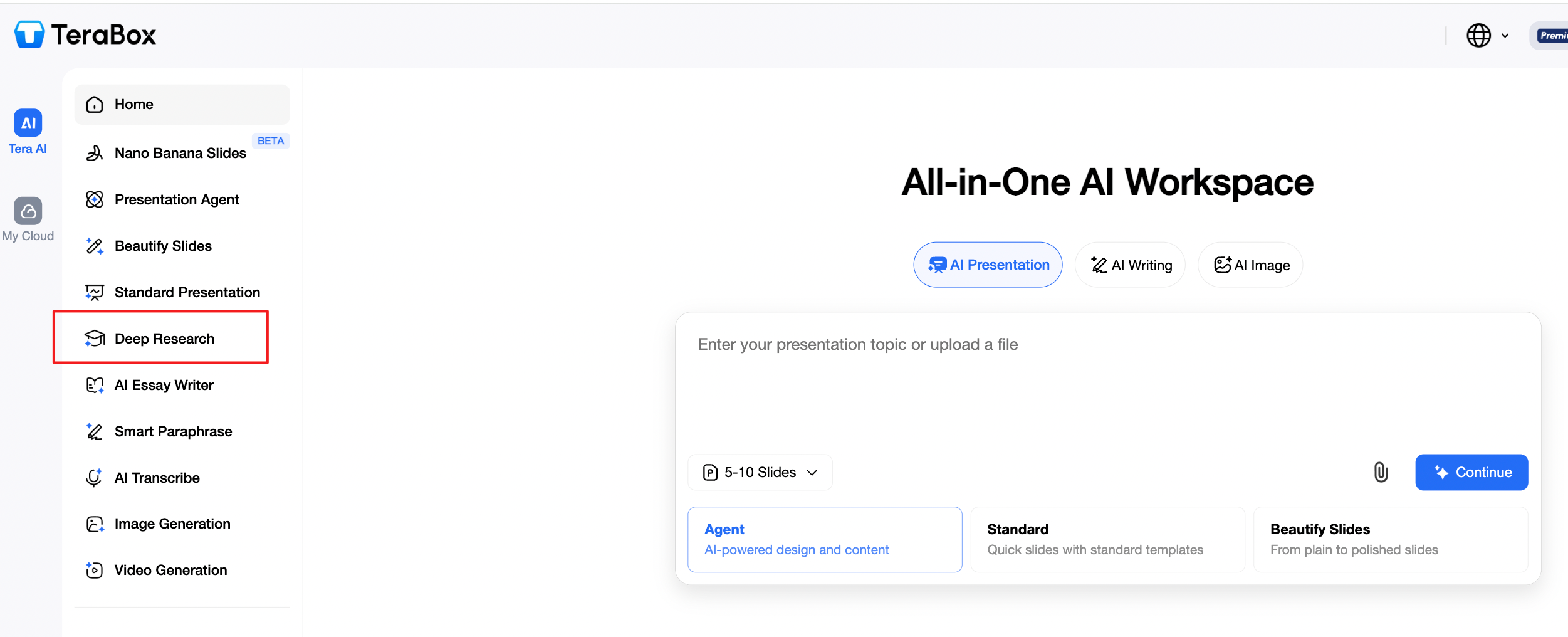
- Locate and click on Deep Research from the main dashboard.
- You will enter a clean workspace where you can define your research topic.
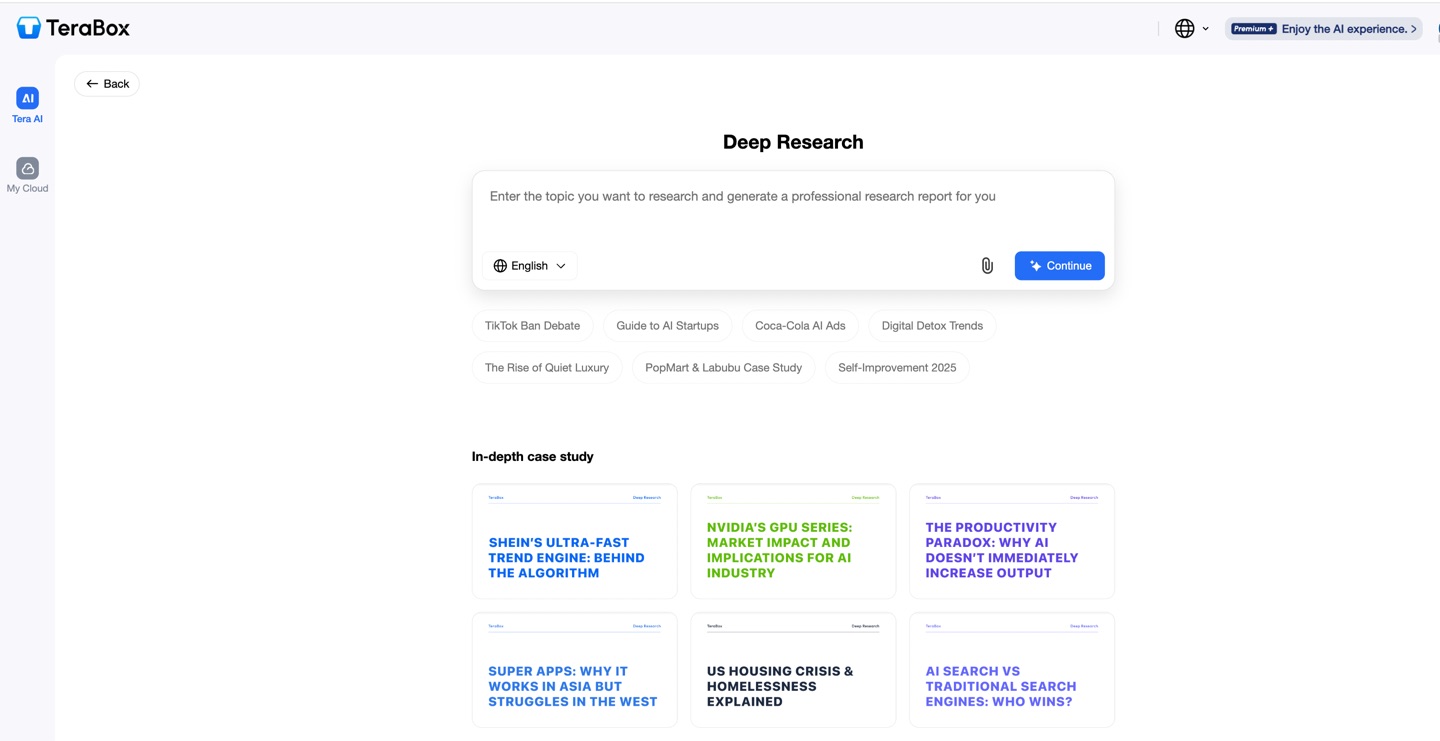
The intuitive interface helps you launch your first project right away.
Step 2: Define Your Research Topic & Upload Reference Files (Optional)
TeraBox Deep Research begins with your input. You can provide context in two ways:
(1) Enter Your Research Topic or Question
- Clearly describe what you want to research in the main input box.

- Examples:
“Analyze the competitive landscape of the global electric vehicle battery market in 2026.”
“What are the latest trends in sustainable fintech, and what are the growth opportunities?”
“Provide a strategic overview of Company X’s market position and key risks.”
(2) Upload Supporting Documents (Optional)
To give the AI more context, you can upload up to three reference files (e.g., PDF reports, articles, or data sheets).
- Click the Upload Files button (shown with a file icon)
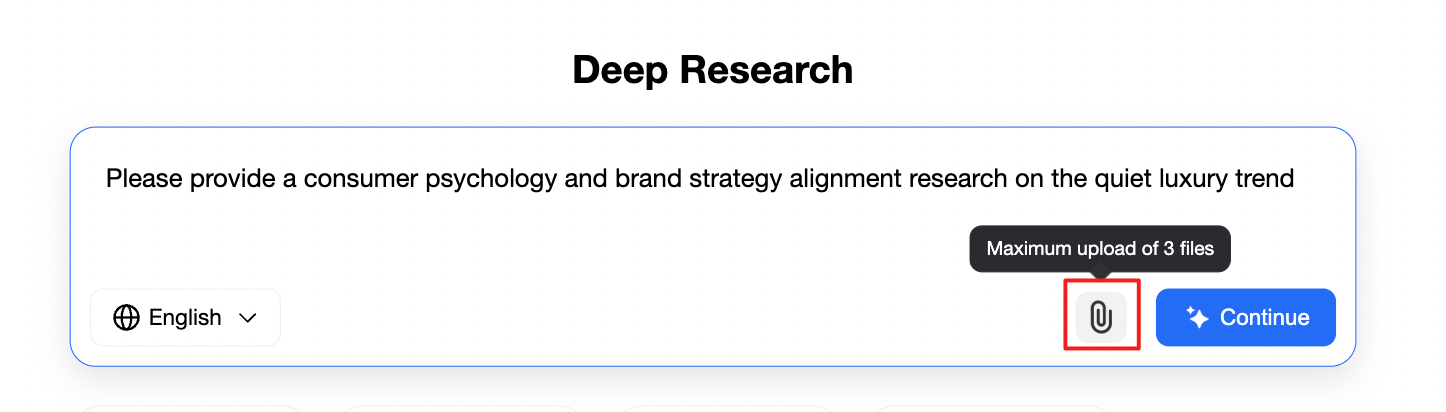
Supported formats include PDF, DOCX, and TXT.
- Click Continue
Whether starting from scratch or building upon existing materials, TeraBox makes setup quick and flexible.
Step 3: Review & Customize Your Research Outline
Once you submit your topic, TeraBox AI will analyze your intent and generate a structured research outline in seconds.
The outline will break down the research into key sections, such as Executive Summary, Market Overview, Competitive Analysis, Trends & Drivers, Risks & Opportunities, and Strategic Recommendations.
You can review, edit, or regenerate this outline:
- Edit to modify headings or add your own focus areas.
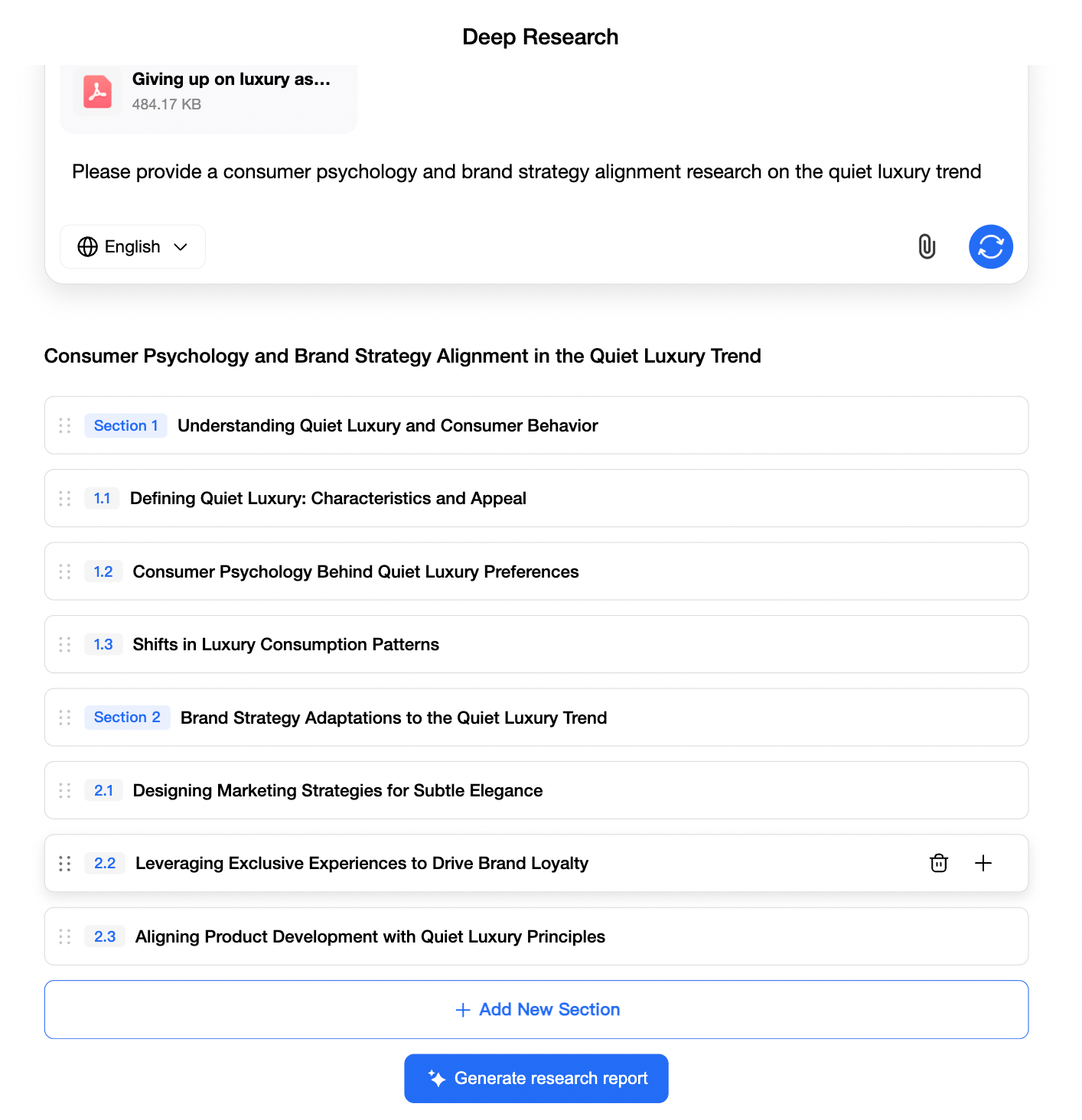
- Click Regenerate (shown with an update icon) to get a fresh outline.

This step ensures the AI aligns with your exact needs before diving into deep analysis.
Step 4: Initiate Deep Research & Analysis
- When you’re satisfied with the outline, click Generate Research Report
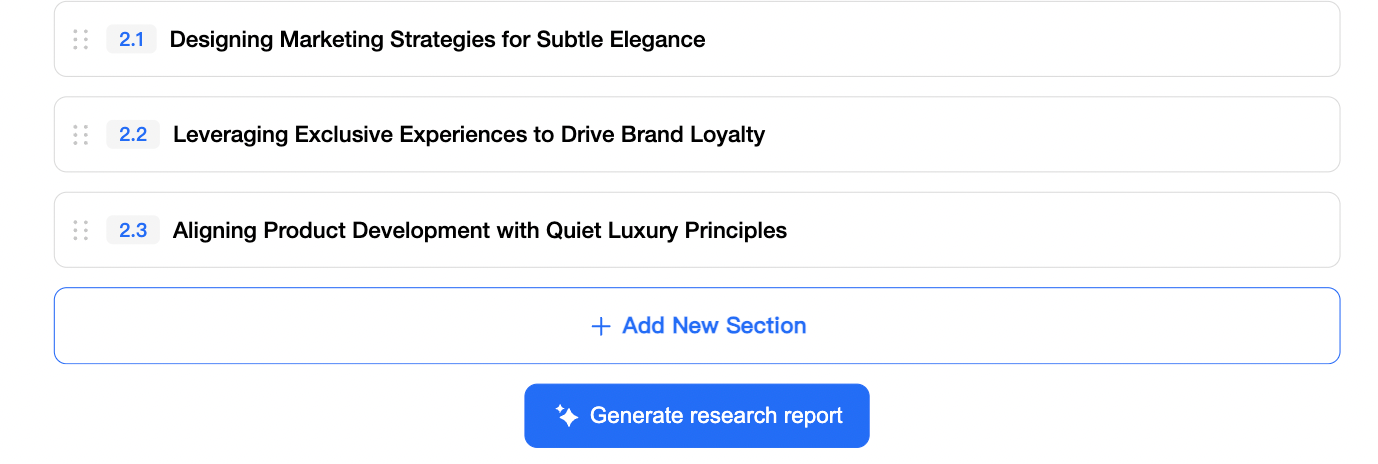
TeraBox AI will now autonomously:
- Search across multiple credible sources (industry reports, academic papers, news, market data).
- Collect and validate information, cross-referencing for accuracy.
- Analyze data to identify patterns, insights, and actionable conclusions.
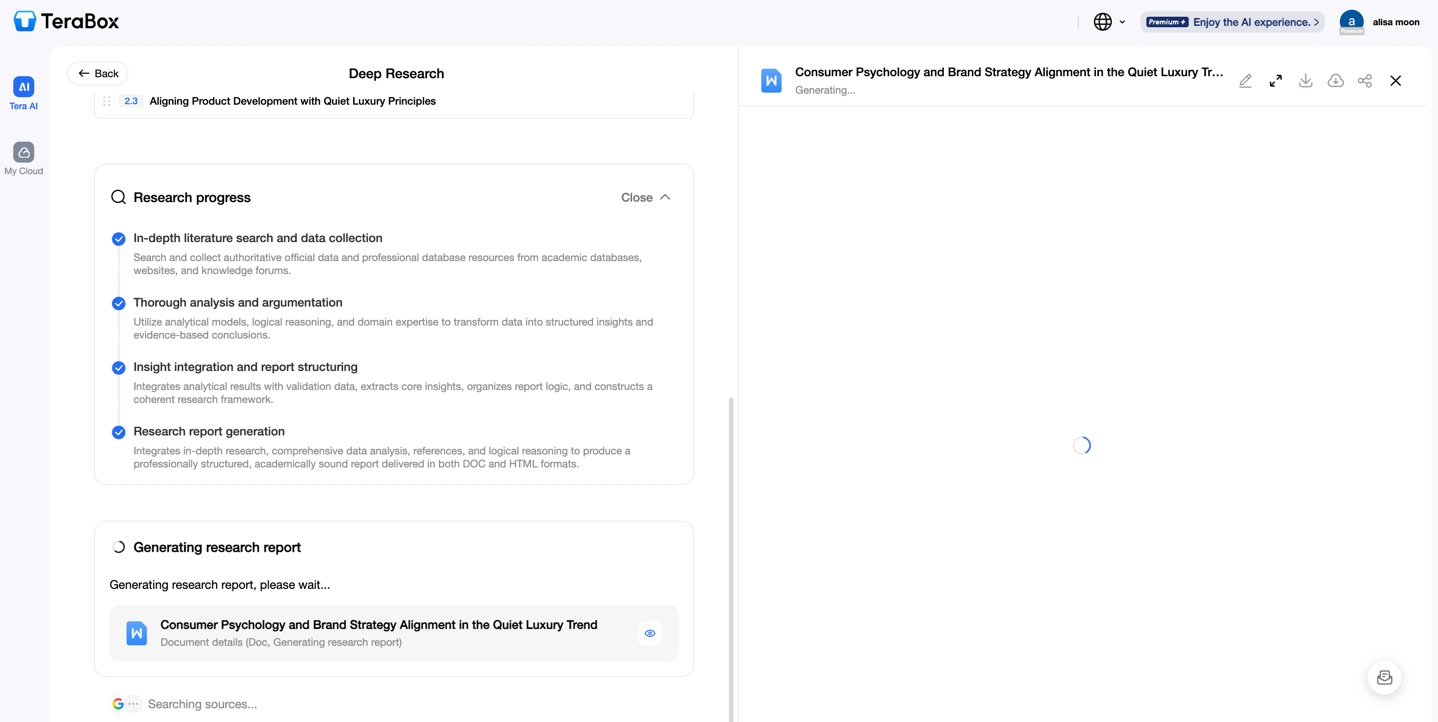
This process typically takes 3–10 minutes, depending on the complexity and breadth of your query.
Step 5: Review Your Generated Report
Once the research is complete, you’ll see a comprehensive, professionally formatted report.
- You can scroll through, read, and evaluate the report directly in the browser.
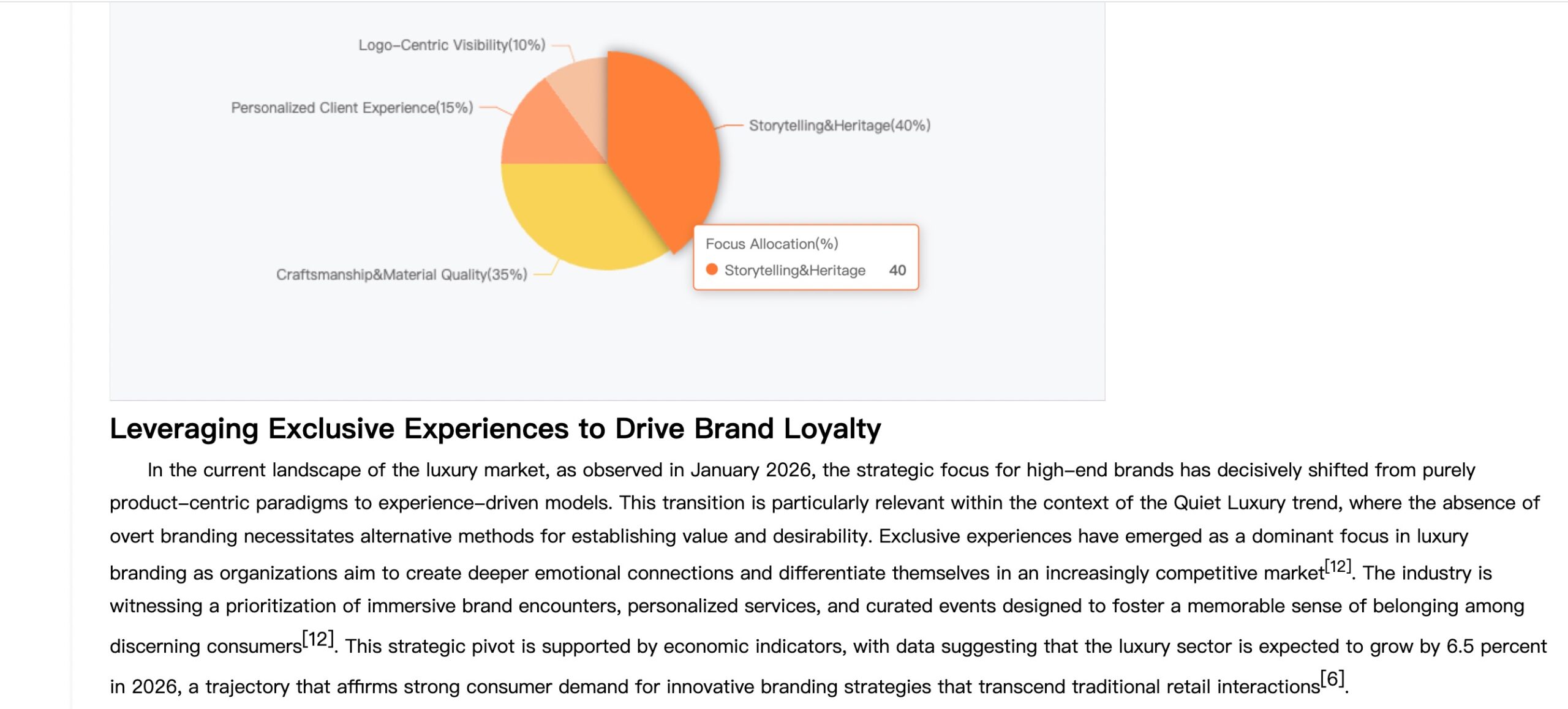
The report includes:
- Clear sections following your approved outline.
- Data visualizations like charts or tables where relevant.
- Key insights and conclusions highlighted for quick scanning.
- Full citations and source links for every data point, ensuring transparency and traceability.
Step 6: Refine and Download Your Report
You have full control to polish the final output:
- Click any paragraph or section to edit text directly.
- Use the built-in editor to adjust wording, add your own notes, or restructure content.

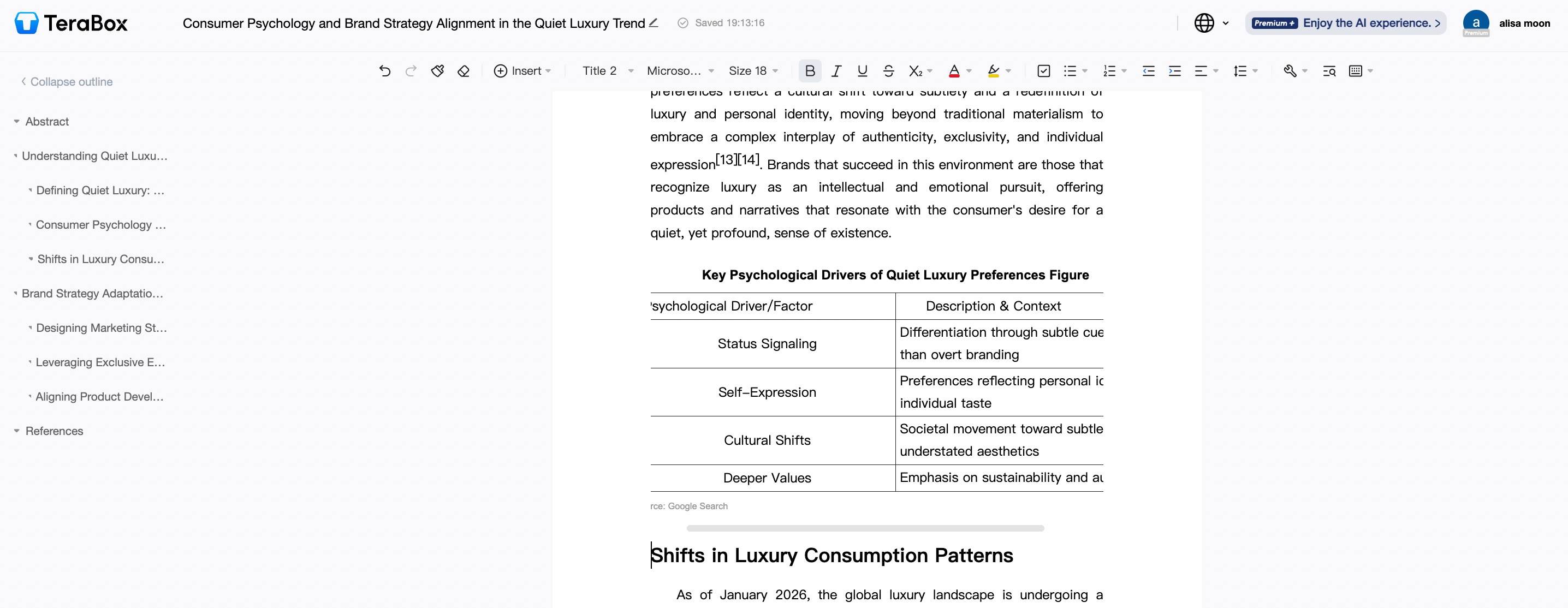
All edits preserve the original source citations unless you choose to remove them.
When the report meets your standards:
- Click Downloads (at the bottom right) or Save to TeraBox Cloud Storage for secure access.
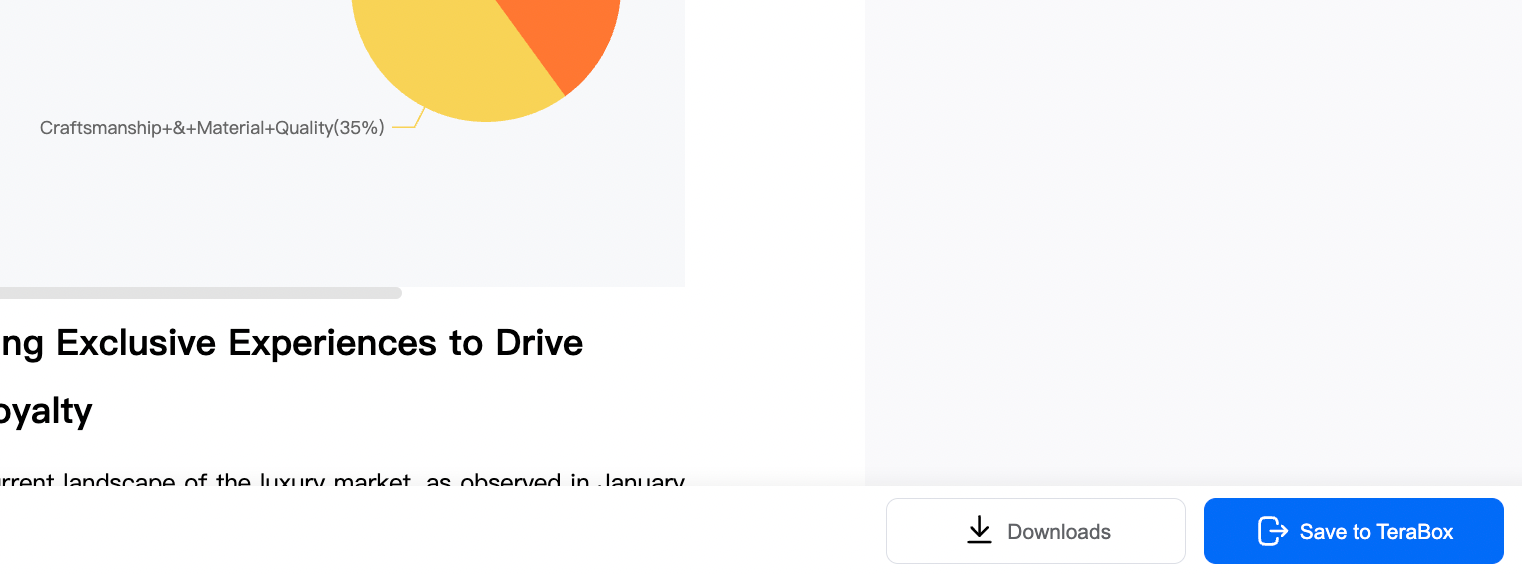
All users get free access to generating 3 reports. For unlimited research, consider upgrading to a P+ Membership.
Explore Practical Applications
TeraBox Deep Research is versatile and supports numerous professional and academic use cases:
- Industry Market Analysis
Automatically collect and integrate multi-source market data, generate clear and structured trend analysis and forecasts, and accelerate strategic deployment by dramatically reducing research cycles. - Competitive Business Intelligence
Conduct comprehensive competitor analysis and benchmarking, automatically generate shareable business insight briefs with actionable strategies, and quickly analyze gaps and identify potential growth opportunities. - Academic Research
Systematically search papers, conference proceedings, and patents for comprehensive cross-analysis. Support multi-dimensional comparative analysis with complete citation traceability, ensuring research integrity. - Financial and Due Diligence Reports
AI automatically collects the latest regulatory developments and financial data, generates comprehensive and in-depth financial analysis and forecasts, and produces high-quality, source-traceable research reports that reduce risk and save verification time. - Strategic Planning
Whether you’re entering new markets, launching products, or making major business decisions, Deep Research provides the data-validated, multi-source insights you need to make informed strategic choices
Conclusion
TeraBox Deep Research transforms how you gather insights—from a time-consuming manual task into an automated, reliable, and fast process. It helps you go from a broad question to a sourced, structured, and decision-ready report—all in one workflow.
Whether you’re a business strategist, analyst, student, or consultant, TeraBox Deep Research saves you weeks of work and delivers the depth you need to move forward confidently.
Ready to research smarter?
Start your first Deep Research project on TeraBox today!