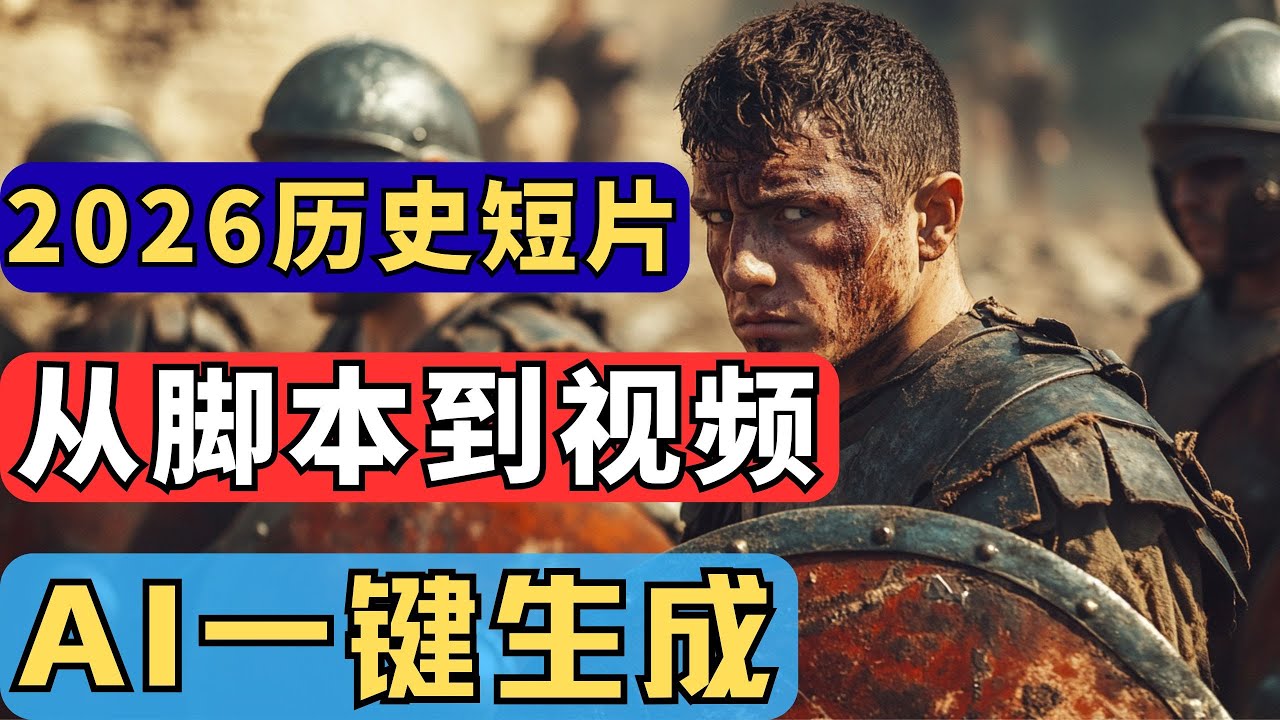
📺 Today’s recommended deep-dive video: https://www.youtube.com/watch?v=APnztbutLDo
The 2026 AI Blueprint: Building a Viral History Channel from Scratch
Historical storytelling is a goldmine for YouTube creators, offering evergreen traffic and deep emotional resonance without the need for expensive camera gear. This guide reveals the exact workflow to produce high-quality documentary-style videos in under 30 minutes using a synergistic stack of cutting-edge AI tools.
Core Question: How can aspiring creators leverage automated tools to build a profitable, faceless history channel with zero traditional editing or scriptwriting skills?
Highlights
- Strategic niche selection using ChatGPT to identify “eternal traffic” topics like the Roman Empire or World War II.
- Generating high-fidelity, unique historical visuals through advanced Midjourney prompt engineering.
- Streamlined video assembly and voiceover synchronization using the InVideo AI automation engine.
- Professional polishing techniques in CapCut to bypass watermarks and optimize for the YouTube algorithm.
⏱️ Reading time: approx. 6 minutes · Saves you about 25 minutes vs. watching.
Want to take notes while watching? Click the image below and let AI Notebook capture the key points for you 👇

The Strategy of Eternal Traffic
Why History Dominates the Algorithm
Historical content thrives on YouTube because it possesses a “long-tail effect,” where stories about ancient civilizations remain relevant for years rather than weeks. Unlike trending news or tech reviews that become obsolete overnight, a well-made video on the fall of Rome will continue to garner views and ad revenue long after its initial upload.
History is a universal language that transcends cultural barriers by tapping into fundamental human elements like power, love, war, and betrayal.
Successful creators utilize a standardized narrative structure to maintain high engagement, starting with a suspenseful hook before diving into the main narrative and concluding with the impactful lessons learned. By leveraging this formula—opening with a captivating mystery, detailing the rise and fall of empires, and summarizing the causal effects—creators can build a repeatable production cycle that AI models handle with extreme efficiency.

💡 Digging Deeper
Q: Why is history considered “eternal traffic”?
A: Because historical facts don’t change, meaning the content remains evergreen and searchable for decades, unlike trending topics that fade.
Q: Do I need to be a historian to start?
A: No; AI tools like ChatGPT act as your research department, though fact-checking important dates and names is always recommended for channel authority.
Q: What makes a historical video go viral?
A: High emotional resonance and “what if” scenarios that spark curiosity, such as “What if Alexander the Great discovered America?”
Crafting the Script and Visual Identity
Engineering the Narrative with GPT
The foundation of a viral video is a script that balances suspense with information, a task perfectly suited for specialized AI prompts. By asking GPT to list the ten most popular historical topics and then deep-diving into a specific narrative—like the last 24 hours of the Roman Empire—you bypass the “blank page” problem entirely.
These AI-generated scripts provide the essential structure: a suspenseful beginning, a clear middle, and a reflective summary.
To ensure the visuals match the narrative intensity, you must prompt the AI to generate not just a script, but a detailed storyboard. This involves requesting specific character descriptions and environmental keywords for every scene, which transforms a generic text block into a visual production guide that ensures every frame serves the story.
High-Fidelity Art with Midjourney
Generic stock footage often feels detached and “soulless,” which is why generating unique images with Midjourney is a critical step for channel growth. High-resolution visuals that capture the specific grit of a battlefield or the ornate detail of a palace help your content stand out in a sea of low-effort competitors.
Unique AI-generated art sets your channel apart, providing a signature aesthetic that viewers recognize as your brand.
When using Midjourney, it is vital to use the correct aspect ratios, specifically --ar 16:9, to ensure the images fit the YouTube player perfectly without stretching. By generating specific scenes—such as an emperor abdicating or a city in turmoil—you create a library of assets that are far more compelling and unique than the standard clips found in common video libraries.

💡 Digging Deeper
Q: How do I get the best images from Midjourney?
A: Focus on descriptive keywords for lighting (e.g., “cinematic lighting,” “golden hour”) and texture (e.g., “hyper-realistic,” “detailed embroidery”) to ensure the results aren’t blurry.
Q: Can I use the free version of ChatGPT?
A: While the free version works, GPT-4 or specialized “Plus” accounts offer better narrative flow and more accurate historical synthesis.
Q: How many images do I need for a 5-minute video?
A: Aim for roughly 15-20 high-quality keyframes that the video AI can pan across or supplement with stock clips.
Automated Production and Final Optimization
Assembling the Documentary in InVideo AI
InVideo AI acts as the “director,” taking your translated script and automatically matching it with relevant video clips, music, and synthesized voiceovers. The tool analyzes the pacing of your text to determine where to place transitions, allowing you to generate a rough cut of a ten-minute documentary in roughly five minutes of processing time.
The real power lies in the “Edit” function, where you can manually swap any mismatched AI-selected clips with the custom Midjourney images you generated earlier.
By refining the media library, you can delete generic segments and upload your high-fidelity art to ensure the visual narrative matches the script’s gravity. You can also adjust the audio levels within the tool, ensuring the background music enhances the tension without drowning out the authoritative, calm male or female voiceover that historical viewers prefer.
The CapCut Finishing Touch and Publishing
After exporting the video, a final pass through CapCut allows for professional-grade tweaks, such as adding dynamic subtitles and removing potential watermarks through strategic zooming. This stage is where you add the “human touch,” ensuring the text overlays are legible and the pacing feels natural rather than purely algorithmic.
Don’t let watermarks ruin your brand; simple zoom techniques or frame adjustments in CapCut can maintain your professional aesthetic for free users.
Finally, the success of the video depends on the “packaging”—the title and the thumbnail. Use Canva to create high-contrast thumbnails using your Midjourney backgrounds, and let ChatGPT generate 5-10 “click-worthy” titles based on the script. Once the title, description, and tags are optimized, you are ready to upload to the YouTube backend and tap into the platform’s global recommendation engine.

💡 Digging Deeper
Q: Is the InVideo AI voiceover good enough for monetization?
A: Yes, the modern V4 models provide highly realistic narrations, but you can also clone your own voice for a more unique channel identity.
Q: How do I handle the watermark if I don’t want to pay?
A: You can export at 1080p and then use CapCut to slightly zoom the video (around 105-110%) to push the watermark outside the visible frame.
Q: What is the best voice for history videos?
A: Generally, a deep, calm, and authoritative male voice or a rational, documentary-style mature female voice performs best for this niche.
Key Takeaways
Building a historical YouTube channel in 2026 is no longer about having a film degree; it is about mastering the orchestration of AI tools. By delegating the research to ChatGPT, the cinematography to Midjourney, and the assembly to InVideo AI, you can maintain a consistent posting schedule that would have previously required a full production team.
Tools are ultimately just levers for your creativity. The most successful channels will be those that don’t just “spam” AI content, but use these tools to tell better, more researched, and more visually stunning stories than ever before. Persistence and niche selection remain the two most important factors in achieving long-term monetization.
Q&A
Q1: Is this method truly “faceless”?
A1: Yes, the entire process uses AI-generated visuals and voiceovers, meaning you never need to appear on camera or use your own voice.
Q2: How long does it take to see results?
A2: YouTube is a marathon. While some videos may go viral quickly due to topic selection, most channels see significant traction after 20-30 high-quality uploads.
Q3: Can I use this for Chinese history or only World history?
A3: This method works for any historical niche. Chinese history is particularly deep and offers a massive amount of “drama” that performs well globally.
Q4: Are these AI tools free?
A4: Most offer free trials (ChatGPT, InVideo, Midjourney), but professional-grade, watermark-free content usually requires modest monthly subscriptions.
Q5: Does YouTube allow AI-generated content to be monetized?
A5: Yes, as long as the content is transformative, high-quality, and follows YouTube’s community and copyright guidelines.
Q6: What if the AI generates an inaccurate historical fact?
A6: You should always do a quick 2-minute fact check on the script generated by GPT to ensure the “Core Truths” of the story are accurate to maintain viewer trust.
Q7: Which tool is the most important in the stack?
A7: ChatGPT is the “brain” of the operation; without a compelling script and topic, even the best visuals won’t keep a viewer watching.