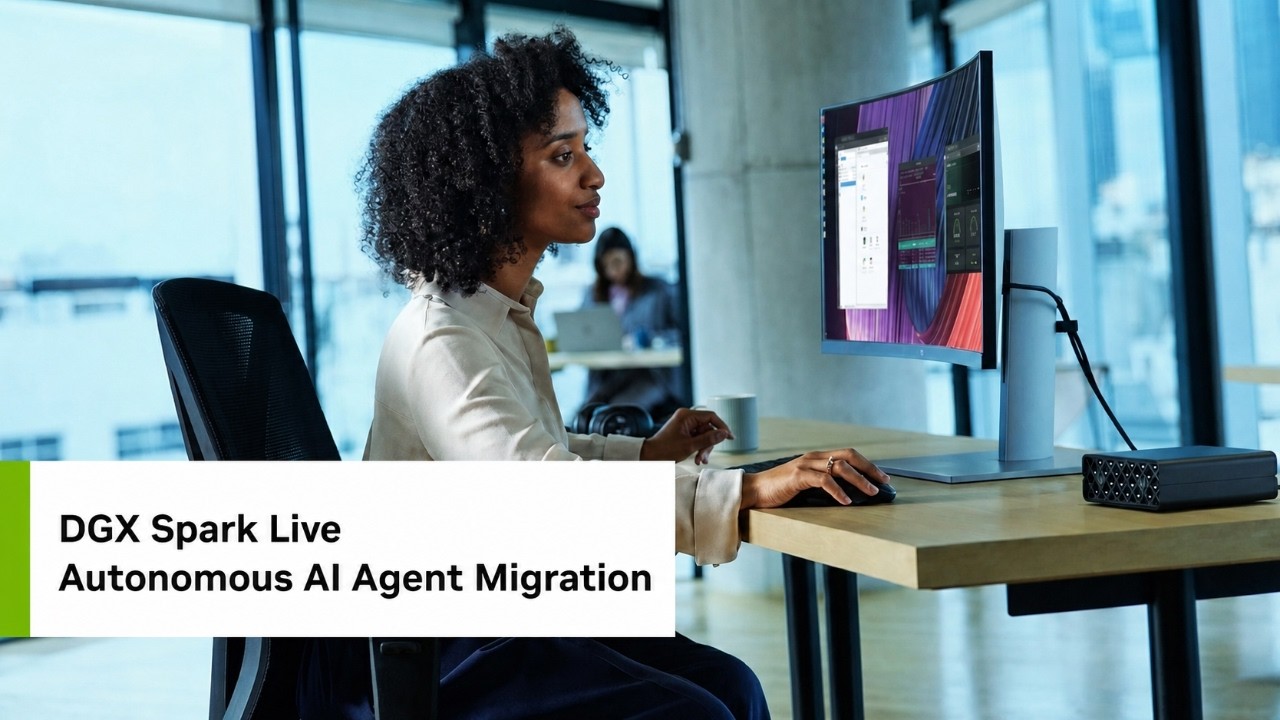
📺 Today’s recommended deep-dive video: https://www.youtube.com/watch?v=wfPZH6Fmlzc
Local AI Agents: How HP and ARM Automate x86 to ARM Code Migration
Modern software migration is often a manual bottleneck, but local AI agents are changing the game. This demo showcases how NVIDIA’s Nemo Claw and ARM’s MCP server collaborate on an HP ZGX Nano to port performance-critical code without ever touching the cloud.
Core Question: How can developers leverage local AI agents and Model Context Protocol (MCP) servers to automate complex hardware-specific code migrations securely?
Highlights
- Real-time conversion of x86 SSE instructions to ARM Neon intrinsics using local LLMs.
- Optimization techniques for context windows to prevent agent hallucinations and truncated calls.
- The role of NVIDIA Nemo Claw in providing a secure, sandboxed environment for autonomous shell execution.
- Utilizing the HP ZGX Nano’s massive unified memory to run large context windows locally.
⏱️ Reading time: approx. 6 minutes · Saves you about 24 minutes vs. watching.
Want to take notes while watching? Click the image below and let AI Notebook capture the key points for you 👇

The Local Agent Architecture
Building the Foundation with Nemo Claw and MCP
The HP ZGX Nano serves as a high-performance local hub for generative AI tasks, leveraging NVIDIA’s DGX Spark architecture to handle intensive developer workflows without cloud dependency.
Gabriel Peterson demonstrated the integration of ARM’s Model Context Protocol (MCP) server within NVIDIA Nemo Claw. This setup allows a local AI agent to access specific hardware knowledge bases, enabling it to understand architecture-specific instructions like SSE and Neon. This bridge is essential because it provides the LLM with “ground truth” data that isn’t necessarily part of its general training set.
To maintain a secure environment, the agent operates within a dedicated sandbox where it can execute shell commands autonomously. This isolation is critical because it allows the developer to grant the agent permission to compile code and run performance tests locally, while ensuring that any potential errors or vulnerabilities are contained within the protected workspace. The system utilizes Docker images to manage these boundaries effectively.

💡 Digging Deeper
Q: Why is the Model Context Protocol (MCP) used here instead of just putting everything in the prompt?
A: MCP allows the agent to query a live knowledge base and toolset dynamically, which is more scalable and accurate than stuffing thousands of lines of documentation into a static prompt.
Q: What role does Ollama play in this specific stack?
A: Ollama acts as the local inference provider, hosting the Qwen 3 Coder model that drives the agent’s logic and decision-making.
Tuning for Reliability
Solving Truncation and Hallucination
Reliability in local agents hinges on precise configuration, specifically regarding the model’s context window and the ability to verify its internal reasoning.
By default, many configurations limit the context window to 16k, which can truncate complex MCP tool calls and lead to failure. Increasing this to 64k on the ZGX Nano ensures that the agent can process large codebases and hardware manuals simultaneously without losing its train of thought or hallucinating results. This change is implemented by overriding service configurations and updating JSON policy files within the Nemo Claw sandbox.
Verification is handled through a “lie detector” ritual involving Docker logs.
By monitoring the actual handler calls in real-time, developers can confirm that the agent is actually querying the ARM knowledge base rather than just fabricating convincing technical answers. This ensures the output is technically sound and based on ARM’s official migration specifications rather than the model’s probabilistic guesses.
The Migration Workflow
From x86 SIMD to ARM Neon
The core of the demo involved taking a C application designed for x86—specifically an RGB-to-grayscale converter—and porting its SIMD (Single Instruction, Multiple Data) instructions to ARM Neon.
The process begins with the “upload” command, which moves the source files into the agent’s protected workspace. Because the sandbox is siloed, the agent cannot see the host’s filesystem, making this explicit data movement a primary security layer. Once the code is inside, the agent uses its MCP tools to scan for x86 intrinsics and map them to their ARM equivalents.
The agent doesn’t just suggest code; it compiles and runs it.
After the migration, the agent uses the local compiler (installed via Homebrew inside the sandbox) to build the new binary. The final verification step involves comparing the output checksums of the original x86 version and the new ARM version. When the mathematical results match exactly, the migration is deemed a success, and the developer can “download” the finished code back to the host system.

Key Takeaways
Local AI agents represent a massive shift in how we handle architectural transitions. By combining the HP ZGX Nano’s hardware power with NVIDIA’s Nemo Claw, developers can automate the tedious parts of code porting—like SIMD instruction mapping—without the security risks or costs associated with cloud-based LLMs. The use of a dedicated MCP server ensures that the agent has access to specialized technical knowledge that general-purpose models might lack.
The success of this workflow depends heavily on environment tuning. Increasing the context window to 64k and implementing robust logging allows for complex, multi-step agentic workflows that remain reliable over long tasks. As hardware like the ZGX Nano provides more unified memory, these local agents will become even more capable, enabling parallel migration tasks across entire fleets of services.
Q&A
Q1: Why was Qwen 3 Coder chosen over newer versions like 3.6?
A: Qwen 3 Coder proved more consistent and reliable in its ability to call MCP tools correctly during testing, whereas newer versions occasionally struggled with tool-calling accuracy.
Q2: Does this setup require an internet connection?
A: No. Once the initial Docker images and models are downloaded, the entire migration process can run 100% locally and offline.
Q3: How do you prevent the agent from making unauthorized changes?
A: The agent is confined to a sandbox. While it has shell access, it can only interact with files in its specific workspace and is limited by an egress policy defined in a YAML configuration.
Q4: Can this be used for applications larger than a simple pixel converter?
A: Yes, though larger applications require more “finesse” and selective tasking. The demo was simplified to show the core logic of MCP tool interaction.
Q5: What is the main benefit of local hardware like the ZGX Nano for this task?
A: The 128GB of unified memory allows for much larger context windows and handles high-bandwidth tasks more effectively than consumer-grade hardware.
Q6: What happens if the agent hallucinates a code change?
A: The workflow includes a “sanity check” phase where the developer inspects the logs and the agent’s reasoning. Additionally, if the code doesn’t compile or the checksums don’t match, the migration is rejected.
Q7: Can I connect multiple ZGX Nano units together for larger tasks?
A: Yes, you can connect them via QSFP cables and use the ZGX toolkit to pair them, effectively doubling your local AI compute capacity.