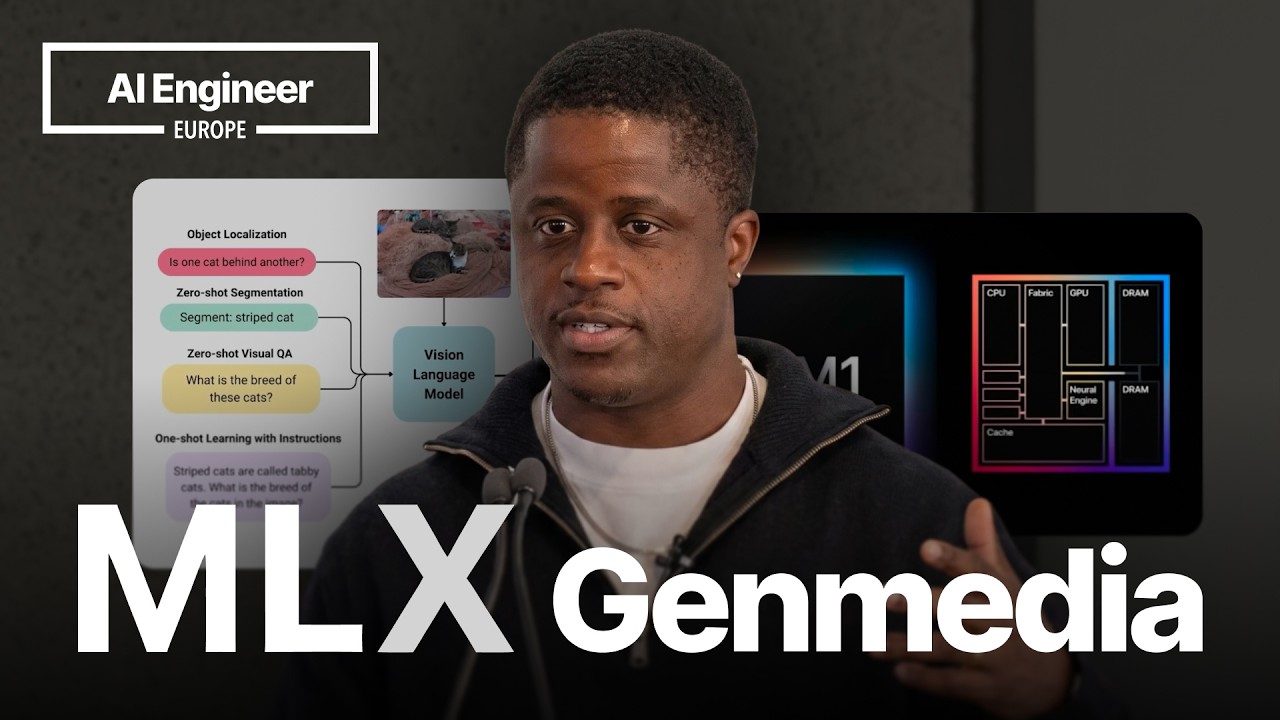
📺 Today’s recommended deep-dive video: https://www.youtube.com/watch?v=zTLJNHj0DeQ
Desktop Jarvis: Master On-Device AI with MLX and Apple Silicon
Stop paying for expensive AI subscriptions and start utilizing the untapped power of the hardware you already own. This guide explores how the MLX framework is transforming Apple Silicon into a private, high-performance powerhouse for vision, audio, and robotics agents that work without an internet connection.
Core Question: How can developers leverage the MLX framework to deploy sophisticated, multi-modal AI agents entirely on local Apple hardware?
Highlights
- MLX acts as a specialized array framework designed specifically for high-performance AI on Apple Silicon.
- Local models now support up to 100B+ parameters and context windows of 1 million tokens using Turbo Quant.
- Multi-modal pipelines enable real-time “see, hear, and speak” capabilities for vision and voice agents.
- On-device processing eliminates subscription costs and latency while ensuring total data privacy.
⏱️ Reading time: approx. 5 minutes · Saves you about 18 minutes vs. watching.
Want to take notes while watching? Click the image below and let AI Notebook capture the key points for you 👇

The Case for On-Device Intelligence
Beyond the Cloud Subscription
MLX is effectively PyTorch for Apple Silicon, allowing developers to run massive frontier models without ever sending data to a remote server or paying a monthly subscription fee.
The framework was born out of a need to solve real-world problems that cloud computing simply couldn’t touch due to connectivity issues in developing regions. For instance, creating a system that helps a visually impaired person navigate their surroundings requires low latency and zero reliance on a stable internet connection. By moving intelligence directly onto the device, we empower users with a level of reliability and privacy that centralized AI providers cannot match.
MLX has grown rapidly since its late 2023 release, boasting over 1.5 million downloads and a library of 4,000 ported models. It offers day-zero support for cutting-edge open-source releases like Google’s Gemma, ensuring that Apple users are never behind the technological curve.

💡 Digging Deeper
Q: Is MLX just for MacBooks?
A: No, it supports the entire Apple ecosystem, including the iPhone and iPad, allowing for cross-device AI deployment.
Q: How does it compare to TensorFlow?
A: MLX is optimized specifically for the unified memory architecture of Apple chips, often outperforming general frameworks on local hardware.
Q: Why was it created?
A: To provide a native, efficient way for the community to run open-source models on Apple hardware without the overhead of cloud latency.
Vision and Multi-Modal Power
Running Giants on Your Laptop
Large language models were once thought to be the exclusive domain of massive data centers, but the community has proved that theory wrong through clever quantization and memory management. We can now run models with hundreds of billions of parameters on hardware as modest as an initial M1 MacBook by utilizing the unified memory architecture of Apple Silicon efficiently. This breakthrough means that even the most complex AI reasoning is now accessible to anyone with a consumer-grade laptop.
You can even point your iPhone at a glass of wine and have the device identify the object and describe the scene in real-time.
Recent updates to the MLX VLM suite allow for sophisticated image analysis and chat-based interfaces. Whether you are blurring a background in a video call or asking an agent to describe a dashboard photo, the processing happens locally, keeping your sensitive visual data entirely under your control.
💡 Digging Deeper
Q: Can I run Vision-Language Models (VLM) on my phone?
A: Yes, models like Gemma 2B and smaller VLMs can run locally on modern iPhones using MLX.
Q: What is the performance like for real-time video?
A: It is high enough to support real-time object detection and background segmentation directly on the GPU.
Q: Do I need a high-end Mac?
A: While more VRAM helps, optimizations allow even 16GB machines to generate creative video content and analyze images.
Audio, Robotics, and Advanced Optimization
Modular Speech and the 1M Token Context
The modularity of MLX audio allows developers to chain different models together, such as selecting a specific automatic speech recognition engine and pairing it with a low-latency text-to-speech model. This flexibility is vital for building native experiences that fit varying hardware budgets across the Apple ecosystem.
Robotics represents the final frontier for these on-device agents, where latency is not just a preference but a safety requirement. By integrating MLX vision and audio into platforms like the Richie Mini robot, we create systems that can hear, see, and respond with human-like voices in under 100 milliseconds. This level of responsiveness is only possible when the “brain” of the robot is located locally rather than being tethered to a cloud-based API.
Turbo Quant recently pushed the boundaries further by allowing for one-million-token context windows on local hardware without sacrificing model quality.

💡 Digging Deeper
Q: What is Turbo Quant?
A: It is a quantization technique that reduces the KV cache memory footprint by 4x, enabling massive context windows.
Q: Can MLX do voice cloning?
A: Yes, real-time voice cloning is possible, allowing agents to sound like specific individuals with very low latency.
Q: Does MLX support Swift for native iOS apps?
A: Yes, while it started in Python, there is robust support for building native Apple applications using Swift.
Key Takeaways
The transition from cloud-dependent AI to on-device intelligence marks a significant shift in how we interact with technology. By utilizing Apple’s unified memory architecture and the MLX framework, developers can bypass the costs and privacy risks associated with third-party APIs. This isn’t just about convenience; it’s about accessibility and creating tools that work everywhere—from a high-speed office in London to a remote village in Africa.
The ability to run 100B+ parameter models and million-token contexts on a laptop changes the game for data scientists and developers. We are entering an era where your “Jarvis” isn’t a server in the cloud, but a private, highly capable assistant living directly on your device. As open-source models continue to close the gap with proprietary ones, the local hardware you already own will only become more powerful.
Q&A
Q1: Does MLX utilize the Apple Neural Engine (ANE)?
A1: Currently, MLX primarily uses the GPU for inference. While the Neural Engine is powerful, the GPU provides more flexibility for the array operations required by frontier models, though hybrid support is a future goal.
Q2: How can I monitor my GPU usage while running these models?
A2: A tool called “MacTop” is highly recommended. It provides a real-time overlay of CPU and GPU usage, similar to how ‘top’ works for standard processes.
Q3: Which “Omni” models are best for local use?
A3: Gemma 4 (the ‘e’ versions) and Qwen 2 Omni are top recommendations. They handle text, image, and audio inputs simultaneously and are optimized for local deployment.
Q4: What are the main limitations of on-device models compared to GPT-4?
A4: Local models may not yet match the absolute peak reasoning performance of models like Claude 3.5 Opus, but they are rapidly closing the gap and offer superior privacy and zero cost.
Q5: Can I build a voice-to-voice assistant with MLX?
A5: Yes. By chaining speech-to-text, a local LLM, and text-to-speech, you can create a modular pipeline that responds in under 100 milliseconds.
Q6: How much does Turbo Quant actually improve performance?
A6: It can double the throughput at high context lengths (like 300k tokens) and reduce memory usage by up to four times, matching the quality of full models.
Q7: Is it possible to run AI on an M1 Mac with only 8GB or 16GB of RAM?
A7: Yes, though you will need to use quantized versions (4-bit or 8-bit) of smaller models like Llama 3 or Gemma 2B to fit within the memory limits.