Key Takeaways
-
ChatGPT can summarize a YouTube video: For YouTube videos, providing a transcript or uploaded source is still one of the most reliable ways to get an accurate summary.
-
The workflow can require extra setup: If ChatGPT cannot access the full video content directly, you may need to extract the transcript or upload a source file first. Free users also have stricter file-upload limits.
-
Specialized AI tools offer frictionless workflows: Dedicated tools like TeraBox AI Notebook allow direct URL imports, instant chapter breakdowns, and one-click study deliverables like quizzes, mind maps, and slides.
Introduction
YouTube videos serve as valuable resources for research, learning, and entertainment. A large share of educational content comes in long-form videos, which take substantial time and effort to watch fully. Video summarization tools are therefore highly useful. As one of the most widely used AI tools, can ChatGPT summarize a YouTube video?
This guide walks you through the exact steps, explores how ChatGPT parses video content, and introduces a streamlined alternative built for smooth video study and content transformation.
How Does ChatGPT Summarize YouTube Videos?
ChatGPT needs access to the video’s content before it can generate a useful summary. In practice, there are three common ways to provide that content:
1. Transcript-based summarization: Copy the YouTube transcript and paste it into ChatGPT. This is usually the easiest workflow to verify.
2. Video file upload: Upload a supported video file directly to ChatGPT. Video analysis may not always cover the entire video or accurately interpret all audio.
3. Third-party transcript tools: Browser extensions and transcript extractors can automatically pull captions before you send the text to ChatGPT.
For the transcript-based workflow used in this guide, the process looks like this:
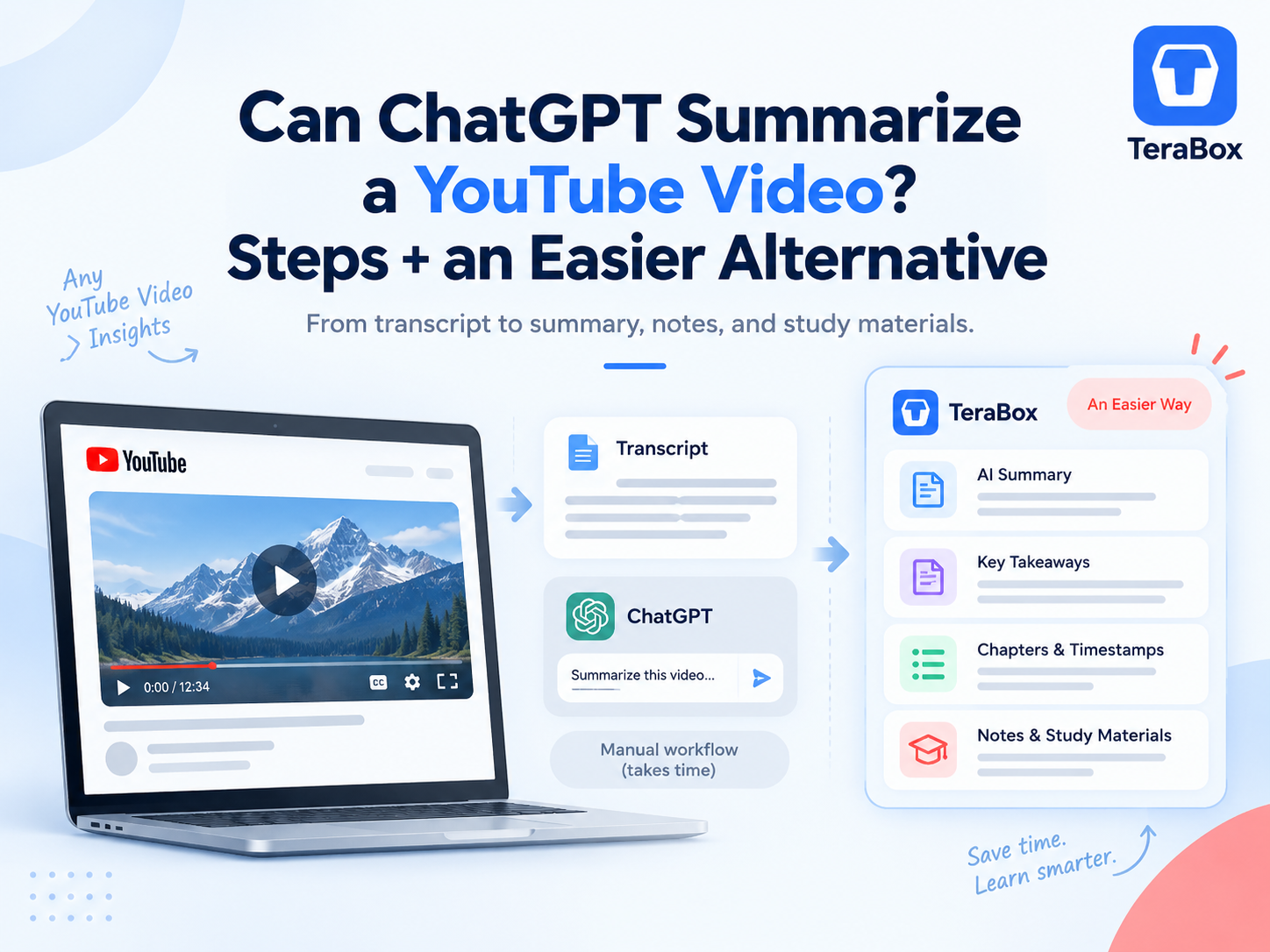
YouTube Video → Transcript → ChatGPT → Summary
For this approach, the quality of the summary largely depends on what information makes it into the transcript:
-
Speech-heavy content works well: Lectures, interviews, and podcasts usually translate well into transcript-based summaries.
-
Visual-only details may be missed: Charts, demonstrations, and information that is never spoken may not appear in the transcript.
-
Source access matters: If ChatGPT cannot access the YouTube content directly, you may need to provide the transcript or upload the source yourself.
How to Summarize a YouTube Video with ChatGPT
For a more reliable YouTube summary with ChatGPT, start with the video transcript instead of relying on the link alone. Here is the step-by-step process:
Step 1: Get the YouTube Transcript
1. Open your target video on YouTube.
2. Click the … (More) button below the video title and select Show transcript.

3. Toggle off timestamps if needed, highlight the text, and copy it to your clipboard.

If you cannot see a transcript, the video may not have captions available. In that case, you will need another source, such as a transcript file or the video file itself.
For videos over 30 minutes, saving the transcript as a TXT or document can also be cleaner than pasting several thousand words directly into the chat. ChatGPT supports common text and document formats for file analysis.
Step 2: Paste the Transcript into ChatGPT
Start a new conversation and paste the transcript or attach your transcript file.
Do not immediately ask:
“Summarize this.”
I get more useful results when I explicitly tell it that the transcript is the only source it should rely on.
For example:
“Summarize this YouTube transcript based only on the content provided. Give me the main topic, 5–7 key points, important examples or advice, and 5 key takeaways. Do not add information that is not supported by the transcript.”

Step 3: Ask for the Type of Summary You Actually Need
A useful summary for exam revision looks very different from one designed for a manager, researcher, or content writer.

Instead of asking for a generic overview, define the job the summary needs to do.
-
For a lecture, you might ask for:
“Organize the summary into definitions, key concepts, examples, and likely exam questions.”
-
For a tutorial:
“Extract each actionable step in order and include any warnings or prerequisites mentioned by the speaker.”
-
For a long interview:
“Separate the guest’s main arguments, personal examples, and predictions. Do not treat opinions as facts.”
-
For research:
“Identify factual claims that I should verify independently before citing them.”
Once the source is in the conversation, you can repeatedly reshape it.
Step 4: Refine the Result
You can ask ChatGPT to shorten one section, explain an unfamiliar concept, reorganize the material chronologically, separate examples from conclusions, or turn key ideas into questions.
If your transcript includes timestamps, ask it to preserve them:
“Add the relevant transcript timestamps next to each major point. Only use timestamps that appear in the source.”
That makes it much easier to return to the original video and verify something before using it in your own notes or article.
Using ChatGPT for YouTube Videos: Strengths and Limitations
|
Strengths |
Limitations |
|
Highly flexible prompts for customizing summary length, style, and structure |
Access to full YouTube content can vary, so a transcript or uploaded source is often more reliable |
|
Strong follow-up capabilities for deeper analysis and clarification |
The workflow may require extra steps before summarization |
|
Easy to use if you already work with ChatGPT regularly |
Free users have stricter file upload limits |
|
Well suited to detailed text analysis and open-ended questions |
Study outputs such as quizzes or flashcards usually need to be requested separately rather than generated from one fixed YouTube workflow |
In practice, ChatGPT can require a little more setup for YouTube summarization, but its flexible follow-up questions make it useful when you want to explore a video in depth or clarify specific points.
An Easier Alternative: Summarize and Study YouTube Videos with TeraBox
If you want a more streamlined way to summarize YouTube videos, TeraBox AI Notebook offers an all-in-one workflow that turns a video link into a summary and reusable study materials.
It is a better fit when the goal is not simply to“tell me what this video says,” but to turn the video into material you can study or reuse later.
Note: YouTube import currently supports public videos with available subtitles.
Step 1: Copy the YouTube URL & Access AI Notebook
Head over to the TeraBox workspace and select AI Notebook under the AI workspace dashboard

Step 2: Add YouTube as the Source in AI Notebook
Click YouTube Import, paste your YouTube link into the prompt window, and click Import. TeraBox automatically pulls the video content without requiring a manual transcript

Step 3: Generate the AI Summary
Once imported, TeraBox instantly processes the video, generating time-stamped chapters and a comprehensive AI Summary right alongside the playback screen

Turn the Same Video into Quizzes, Flashcards, Mind Maps & Slides
Beyond static summaries, TeraBox AI Notebook transforms video information into actionable study and presentation formats:
-
Mind Maps: Automatically generate visual node charts mapping out structural video topics.

-
Interactive Quizzes: Test your retention with auto-generated multiple-choice questions based on video concepts.

-
Flashcards & AI Slides: Convert key insights directly into review decks or ready-to-use presentation slides


Instead of being the final output, the summary becomes the first layer of a larger workflow. For students, course creators, researchers, or anyone repeatedly working with long educational videos, that can remove a lot of copy-and-paste work.
ChatGPT or TeraBox AI Notebook?
|
Feature / Capability |
ChatGPT (Free / Plus) |
TeraBox AI Notebook |
|
Direct YouTube Link Workflow |
⚠ Link access can vary; using a transcript or uploaded source is more reliable |
✅ Paste a supported public YouTube URL directly |
|
Long Video Handling |
⚠ Depends on source access, file size, and upload limits |
✅ Designed for long-form video, audio, and document sources |
|
Summary Output |
✅ Highly customizable through prompts |
✅ Structured AI Summary with source-based content |
|
Study Outputs |
✅ Can create quizzes, flashcards, notes, and other formats through prompts |
⚡ Built-in Quiz, Flashcard, Mind Map, and AI Slides tools |
|
Export & Reuse |
✅ Supports generated and uploaded files depending on the workflow |
✅ Generated results can be downloaded, saved to the cloud, or shared |
|
Notes & Storage |
✅ Chat history + Library file storage |
✅ Integrated Notes + TeraBox cloud storage |
If you mainly want a flexible summary and plan to ask follow-up questions, rewrite sections, or explore the video from different angles, ChatGPT is the better fit for a prompt-driven workflow.
If your goal is to turn one YouTube video into several study materials with fewer manual steps, TeraBox AI Notebook is more streamlined. The same source can stay in one workspace while you move from summary to quiz, flashcards, mind map, and slides.
For occasional video summaries, either option works well. The main difference is whether you value open-ended conversation and customization or a more structured YouTube-to-study workflow.
Tips for Getting More Accurate YouTube Summaries
Whether you use ChatGPT or TeraBox, these simple tips can help improve the quality of your YouTube summaries:
1. Check the Transcript First
AI summaries depend on the source text. Before relying on the result, quickly check names, numbers, technical terms, and any obvious caption errors.
2. Use a Specific Prompt
Specify what you need, such as key points, tutorial steps, examples, timestamps, or study notes. You can also ask the AI to use only information from the transcript to reduce unsupported additions.
3. Verify Important Details
AI summaries are useful for finding the main ideas quickly, but they should not replace the original source. Double-check quotes, statistics, technical instructions, and other important details against the video before using them elsewhere.
FAQs About YouTube Video Summarization
Can ChatGPT watch and analyze YouTube videos directly?
Not reliably from a YouTube URL alone. ChatGPT can analyze supported uploaded files and accessible content, but pasting a YouTube link does not guarantee access to the full video. For the most reliable results, use the transcript or another supported source.
How do I summarize a long YouTube video with ChatGPT?
The most reliable method is to extract the video transcript, copy and paste it into ChatGPT (or upload it as a document), and provide a structured prompt asking for key points, takeaways, or section breakdowns.
Why can’t I find the transcript for some YouTube videos?
Transcripts are unavailable if the creator disabled closed captions, if the video audio quality is poor, if multiple speakers overlap, or if the language is unsupported by YouTube’s auto-caption system.
Is there a free AI YouTube video summarizer available?
Yes. Standard ChatGPT offers transcript processing on free tiers subject to usage limits, while specialized solutions like TeraBox AI Notebook provide built-in tools to import YouTube links and generate summaries, mind maps, and quizzes directly.
Is an AI-generated YouTube summary accurate enough for studying or exams?
It is helpful for quick reviews and identifying main ideas, but you should not rely on it as your sole study source. Always verify critical facts, quotes, and timestamps against the original video or full transcript before citing them.
Conclusion
Returning to our original question: Can ChatGPT summarize a YouTube video?
The short answer is yes, but with conditions, because standard workflows rely on processing extracted transcripts. If you enjoy full control over your prompting, want custom text formatting, and don’t mind taking extra steps to extract transcripts, ChatGPT remains a versatile tool.
However, if you are looking for a faster, all-in-one study workspace that automatically converts video URLs into instant summaries, visual mind maps, practice quizzes, and presentation slides, TeraBox AI Notebook provides a vastly superior alternative.
With video content growing exponentially, AI summarization is about filtering out noise, saving valuable time, and directing your focus toward the moments that truly matter.