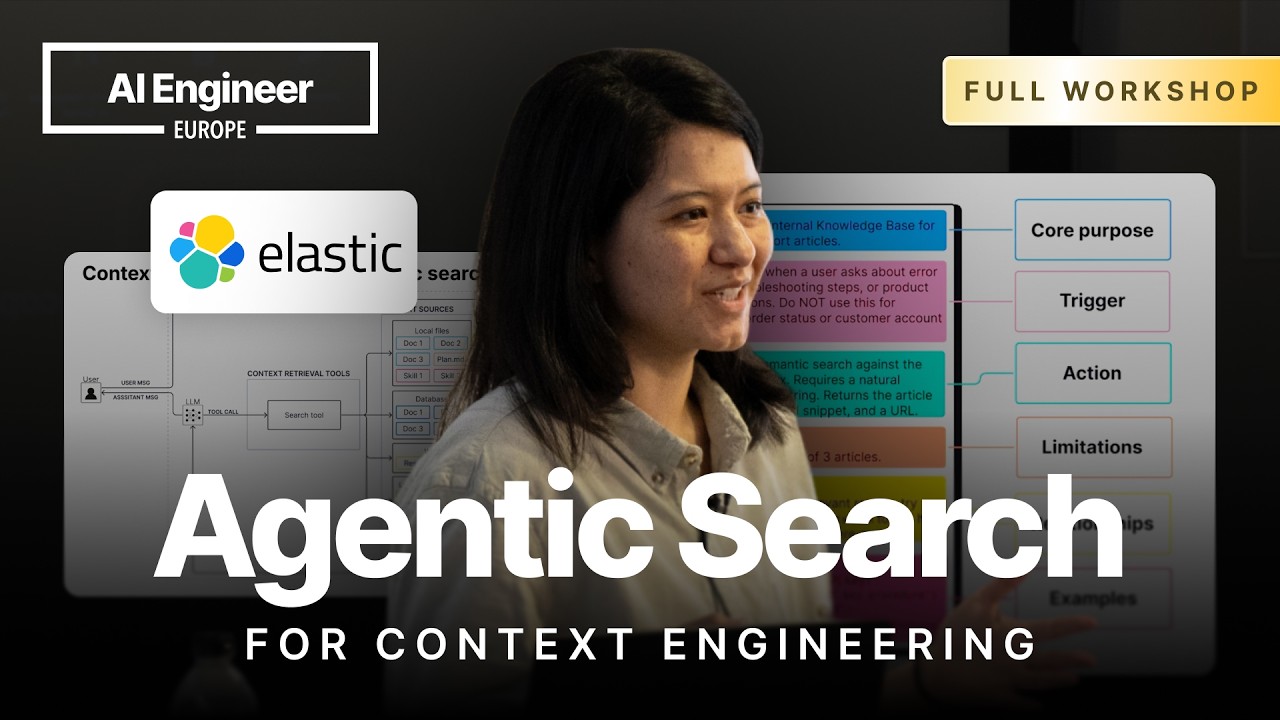
📺 Today’s recommended deep-dive video: https://www.youtube.com/watch?v=ynJyIKwjonM
Beyond Basic RAG: Mastering Agentic Search for Context Engineering
Most developers treat context retrieval as a simple black box, but the true engineering challenge lies in the dynamic decision-making layer that powers the agent. By moving from fixed pipelines to a versatile suite of search tools, you can build AI systems that navigate complex data silos with precision and human-like intuition.
Core Question: How can developers architect search tools that allow AI agents to autonomously curate the perfect context window for any request?
Highlights
- Why context engineering is essentially 80% agentic search.
- The critical transition from fixed RAG pipelines to dynamic tool-calling autonomy.
- Strategic trade-offs between specialized database tools and the versatile “Shell tool.”
- Implementing “agent skills” and error handling to prevent tool-calling failure modes.
⏱️ Reading time: approx. 8 minutes · Saves you about 55 minutes vs. watching.
Want to take notes while watching? Click the image below and let AI Notebook capture the key points for you 👇

The Evolution of Context Retrieval
From Fixed Pipelines to Agentic Autonomy
Context engineering is the strategic art of deciding exactly what information from your vast data sources should occupy the LLM’s limited context window.
While the industry often focuses on the final curation step, the real engine is the search tool that decides what to pull. If the retrieval logic is flawed, the LLM receives garbage context, leading to hallucinations or irrelevant responses that degrade the user experience.
In the early days of RAG, we relied on fixed pipelines where every user message triggered a vector search regardless of whether context was actually needed. This rigid approach often confused models with irrelevant noise and lacked the flexibility to perform “multi-hop” retrieval, where a model might need to see one piece of data before realizing it needs to search for another related record to complete a complex task.

💡 Digging Deeper
Q: Why do you claim context engineering is 80% search?
A: Because the quality of the LLM’s response is directly gated by the effectiveness of the retrieval tools; if the search fails to find the needle in the haystack, no amount of prompt engineering can save the output.
Q: What is the biggest limitation of a single-hit retrieval system?
A: It cannot handle complex, multi-layered questions that require the agent to synthesize information from multiple disparate sources or follow a chain of reasoning.
Mastering the Search Tool Stack
Specialized vs. General Purpose Tools
When building an agent, you face a choice between providing hyper-specific tools, like “Get Customer by ID,” or general-purpose tools like a SQL executor or a Bash shell.
Specialized tools are safer and require less reasoning from the model, acting as a “low floor” for basic functionality. They are highly efficient for common, predictable tasks where the parameters are simple and the risk of the agent hallucinating a complex query is low.
However, the “high ceiling” of agentic search is found in general-purpose tools like the Bash tool or ESQL executors. These allow the agent to write its own search logic on the fly, using commands like grep or curl to explore file systems or query web APIs, though this power comes with increased latency and a higher risk of syntax errors if the model isn’t sufficiently advanced.

💡 Digging Deeper
Q: Should I always use the most powerful model for agentic search?
A: Not necessarily; simpler models like GPT-3.5 or specialized small models can handle basic tool calling perfectly well, but you will need more “intelligence” once you ask the agent to write its own SQL or shell scripts.
Q: What is a “Shell Tool” and why is it controversial?
A: It gives the agent access to a terminal to run commands like ls or grep. It’s versatile but risky, as an unconstrained agent could potentially delete files or run malicious code if not properly sandboxed.
Bridging the Reliability Gap
Agent Skills and Error Handling
The reality of agentic search is that it breaks in predictable ways: the agent might not call the tool at all, it might call the wrong tool, or it might provide invalid parameters.
One of the most effective ways to bolster reliability is to implement “Agent Skills,” which provide the model with a library of documentation and examples that are only loaded into the context window when relevant. This “progressive disclosure” keeps the prompt lean while giving the agent the specific syntax rules it needs to write complex queries, such as the difference between wildcards in SQL versus ESQL.
Furthermore, search tools must be resilient, utilizing “try-except” blocks that return error messages directly to the agent rather than crashing the system. When an agent receives an error message from a tool—such as a syntax error in a shell command—it can often reason through the mistake, self-correct, and attempt a second, successful call without human intervention.

💡 Digging Deeper
Q: How does a “Skill” differ from a standard system prompt?
A: A system prompt is always present and can get bloated; a skill is loaded on-demand, allowing the agent to access deep documentation for a tool only when it decides to use that specific tool.
Q: Why is returning zero search results sometimes a failure mode?
A: If an agent searches for “GDPR” and gets zero results because it used the wrong wildcard character, it might wrongly conclude the data doesn’t exist, rather than realizing its search query was syntactically flawed.
Key Takeaways
Successful context engineering requires a balanced approach to tool design. You should aim for a “low floor” by providing simple, specialized tools for common tasks, while maintaining a “high ceiling” by giving the agent access to versatile query languages or shell tools for edge cases. This hybrid strategy ensures that the agent is both efficient in routine operations and capable of solving complex, unforeseen problems.
Reliability isn’t just about the model’s intelligence; it’s about the infrastructure surrounding the tools. By logging agent behavior, providing rich tool descriptions, and implementing self-correction loops through error handling, you can transform a brittle RAG pipeline into a robust agentic system. Start with general-purpose tools to observe how your users interact with the data, then specialize and optimize based on those real-world patterns.
Q&A
Q1: How do I prevent an agent from calling a web search tool when it should use the internal database?
The most effective method is a combination of distinct, clear tool descriptions and reinforcement in the system prompt. If the agent still struggles, you can add “trigger conditions” to the tool description, explicitly stating that the database tool must be the first point of contact for company-specific queries.
Q2: Is Agentic RAG always better than standard RAG?
No, it depends on the use case. Agentic RAG introduces higher latency and cost due to the multiple reasoning steps and potential tool calls, so for simple, direct question-answering, a standard fixed pipeline is often faster and more cost-effective.
Q3: What happens if the agent enters an infinite loop of failed tool calls?
You must implement a “max iterations” limit in your agent executor. Additionally, providing clear error feedback in the tool response helps the agent realize when it is repeating a mistake, allowing it to eventually break the loop or ask the user for clarification.
Q4: Can agents handle semantic search in a local file system without a database?
Yes, by using CLIs like “Gina Grap” or “Coal Grap” within a shell tool. This allows the agent to perform multi-vector or embedding-based searches directly on local files, mimicking database functionality without the need for a formal indexing server.
Q5: How do I manage a bloated context window when using multiple agent skills?
You should use a “progressive disclosure” middleware that loads the full documentation of a skill only after the agent selects the tool, and then offloads or “compacts” that information once the specific task is completed to save space for the actual search results.
Q6: Why is the “Bash tool” becoming so popular in agent development?
It represents the ultimate “general purpose” tool. Instead of developers writing dozens of specific Python functions for every possible task, they give the agent a terminal and let it use existing CLIs and scripts to navigate the environment autonomously.
Q7: How can I help an agent count items correctly if LLMs are bad at math?
Instead of having the agent retrieve a list and count them manually, provide a tool that performs the aggregation at the source. For example, a search tool that supports SQL COUNT or ESQL aggregations allows the agent to offload the calculation to the database engine.