As digital storage has become crucial for individuals and businesses alike, knowing the best free cloud storage apps in 2025 is vital. There are multiple cloud storage providers for free that offer unique features and benefits that cater to the needs and preferences of their users.
From vast free storage capacities to ensuring robust security for customer data, these cloud-based file storage apps offer something for everyone. If you are also searching for mega free cloud storage app, here we have listed the top 12 options with their standout features, with TeraBox taking the number 1 spot.
Let’s discuss them one by one.
What is Cloud Storage and Why Do You Need It?
Cloud storage is a cloud computing model that allows individuals and businesses to store their files and essential data on servers in off-site locations. A chosen cloud provider or a third party is responsible for hosting, managing, and securing user data stored on its servers.
Individuals and organizations can use these digital storage options to store, access, and maintain their photos, videos, documents, PDFs, and other critical information. They don’t need to own and operate their own data centers, reducing their expenditures for an operational model.
Cloud storage is scalable, giving individuals and organizations the agility and durability to expand or reduce their data expenditures according to tong their needs. There are multiple best cloud storage service providers in the industry that try their best to meet the growing needs for storage space.
Why Do You Need a Cloud Storage Service?
With cloud storage, you don’t need to worry about running out of storage capacity on your device. It is an excellent way for individuals and organizations to save data securely so that you can access it anytime from any location.
Whether you are a small business or a large enterprise, you need cloud storage due to its:
Data Backups and File Recovery
You need cloud storage because it allows you to back up your essential data, including photos, videos, documents, and PDFs. Automatic backups from cloud storage providers protect you from data loss due to device failure, human errors, and natural disasters. Cloud storages also offer a recycle bin for accidentally deleted files, thus ensuring easy file recovery.
Easy File Sharing
Cloud storage solutions offer easy file sharing. You can share individual files or even folders by creating a shareable link. Thus, create a link and send it to anyone to enjoy fast and easy file sharing.
Cost-Effectiveness
With off-site cloud storage, you don’t need to purchase hard drives, no storage to provision, and no extra money for business spikes. You can increase or decrease storage capacity according to your storage needs and only pay for storage that you actually use.
As data becomes secure and rarely accessed, you can also opt for lower-cost storage, thus creating even more cost savings. You can remove over-provisioning and the cost of storage infrastructure maintenance by moving storage workloads from on-premises to the cloud.
Easily Accessible from Anywhere
With remote off-site cloud storage, you can access your stored files from any device, anywhere, with an internet connection. You don’t have to worry about complex storage allocation processes or waiting for new hardware installation. This flexibility creates an ideal environment for collaborating with others or working remotely.
How to Use Cloud Storage?
Cloud storage offers several use cases both for individuals and organizations. Whether you are storing your family budget on a spreadsheet or a massive enterprise saving its years of financial data in a highly secure database, Cloud Storage can be used in the following way:
- Use it for Backup: Data backup is one of the most prominent uses of cloud storage. It can save copies of your important stuff (photos, documents, etc.) online so they’re safe if your phone breaks or your laptop gets lost.
- ShareBig Files Instantly: With cloud storage, you can easily send large files—like videos, design projects, or photo albums—by generating a shareable link. For added security, you can customize the link with a password or set it to expire after a specific time. This prevents unauthorized access, even if the link gets shared accidentally.
- Organize Digital Files: Cloud storage helps declutter your devices. Sort files into folders (e.g., “Work,” “Personal,” “Travel”), tag them for quick searches, and delete duplicates. Many services even let you search by file type, date, or keywords inside documents.
- Access Files Anywhere: Open your files from any device with internet—your phone during a commute, a friend’s laptop while traveling, or a work computer. No more “I left it on my home PC” moments.
- Protect Sensitive Data: Many cloud services offer password-protected folders, or encrypted storage. Use these features to safeguard sensitive documents like contracts, IDs, or financial records.
These are some prominent uses of cloud storage that individuals and enterprises can enjoy at any time.
Is Free Cloud Storage Safe?
Most cloud storage solutions offer Free and Premium plans for users. However, the fact is that Free plan is still most users’ first choice. But a problem accompanying with this is that some people may worry about the insecurity of free version.
Many people may ask question like, “Is free cloud storage safe and reliable to use?”
Yes, free cloud storage is as safe and reliable as it gets. Of course, there is never a guarantee for the safety of any provider; even reputable cloud storage providers like Google Drive, OneDrive, and Dropbox have limitations in security features, raising privacy concerns for users.
However, cloud storage options like TeraBox are secure options for most users. Its company, Flextech uses encryption techniques like client-side encryption, two-factor authentication, and other security measures to protect your data in the cloud. Bad actors or hackers would not be able to breach and see what you are keeping saved online. It offers a secure backup to restore data for users on its remote servers.
If the machine that is storing your data gets damaged or destroyed, you don’t have to worry about losing your files. You can keep local backups and access them anywhere.
What Makes the Best Free Cloud Storage App?
The best free cloud storage app offers the following top features that make it stand out in the cloud storage industry:
- Generous Amount of Free Storage: How much free storage space does the provider offer? If it offers a generous amount of1TB free cloud storage space, as TerBox does, it is better. Along with this 1 TB of free storage space, TeraBox offers many other distinguishing features.
- Security and Reliability: Security and reliability is another standout feature that makes free cloud storage the best provider. The platform should encrypt user data with top-notch security measures. Storage providers like TeraBox use end-to-end encryption, two-factor authentication, and other protocols to ensure secure data storage.
- Offline and Multi-Device Access: The best cloud storage app offers offline and multi-device access for your data. You can access your stuff when and wherever you want from all your devices in all locations.
- Easy File Organization and Sharing: It must be an cloud storage app that offers a set of tools that help users sort, filter, search for, and organize stored files easily. In addition, it supports easy sharing of large files with fast speeds.
- Third-Party Integrations: A reliable cloud storage provider shows seamless integration with third-party apps, like email or productivity tools.
These are some standout features that make the best free cloud storage service.
The 12 Best Free Cloud Storage Apps for 2025
Looking for the best cloud storage app for free in 2025 to securely store your photos, video, and other data files? Worry not – here we have compiled a list of the 12 best free cloud storage providers that you can choose for data storage.
TeraBox: The Best Free Cloud Storage Provider for All Devices
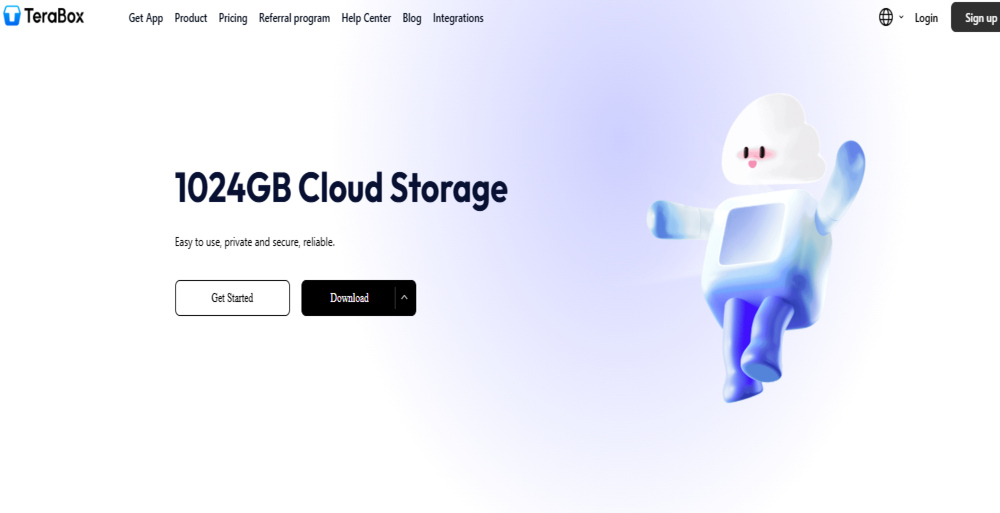
Meet TeraBox, the only cloud storage platform that offers 1 TB free cloud storage in its basic plan. What more cloud do you want? None of the other famous cloud storage is even closer to it. The platform is easy to use with its intuitive user interface. You can upload large files of up to 4 GB in the free version.
Its automatic backup solutions and file syncing from all devices allow you to have a backup of your important files. Besides, TeraBox ensures the security and privacy of user data via end-to-end encryption, two-factor authentication, and the Personal Vault.
The free version of TeraBox allows users to recover accidentally deleted files within 10 days of deletion. In addition, users can enjoy easy file versioning, third-party integrations, and file access from multiple devices. With its free plan, TeraBox also offers affordable paid storage plans and unlimited cloud storage for enterprises.
These standout features make TeraBox a legitimate service that offers a fantastic amount of free storage.
 Core Features:
- Huge 1 TB free cloud storage
- Intuitive user interface
- Automatic backups
- 480P videowatching experience
- Cheapest 2TB cloud storage
- Automatic file syncing
- File versioning and recovery
- End-to-end encryption and two-factor authentication for data security
- Personal Vault for an extra layer of security
- Large file upload of up to 4 GB in free version
- 10-day recycle bin for deleted files
- Seamless integration with third-party apps
- Support for Android, iOS, macOS, Windows, Linux, and Web Interfaces
- Fast upload and download speeds
Limitations:
- Ad-supported free version
- Throttled speedsfor free version
Premium Pricing Plans:
- $3.49/month
- $35.99/year
Google Drive
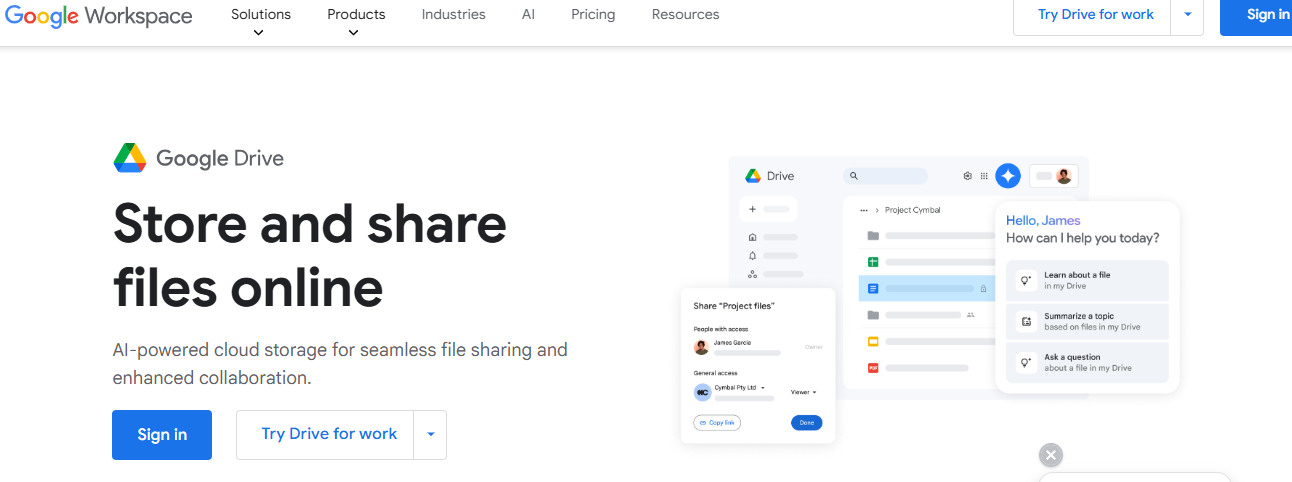
Google Drive is the powerhouse of free cloud storage services with its array of leading-edge add-ons and extras, ensuring sheer convenience. The platform offers a massive 15 GB of storage space for free and shows seamless integration with Google Docs, Sheets, Slides, and other Google Apps. You can create documents and then collaborate and share them without downloading anything.
Core Features:
- 15 GB of free cloud storage
- Intuitive and easy-to-use
- Straightforward browsing view
- Free online and office suite
- Integration with Docs, Sheets, Slides, and other Google Apps
Limitations:
- Privacy concerns
- No client-side encryption
- No Linux support
- Not a complete backup solution
Pricing:
- 100 GB storage at $1.99/month
- 200 GB at $2.99/month
- 2 TB cloud storage at $9.99/month
Dropbox
Dropbox is another free cloud storage app that shows seamless integration with Android, iOS, macOS, Windows, and Linux, meaning you can access your files from everywhere. The platform offers 2 GB of storage for free, allowing you to store your critical data. It ensures easy file-sharing through links and collaboration on different projects. In addition, the service shows seamless integration with third-party apps, offering additional functionality.
Core Features:
- 2 GB of free storage
- File-sharing features
- Smooth user experience
- Streamlined apps
- Microsoft integrations
Limitations:
- Privacy and security concerns
- Lacks end-to-end encryption
- No vault
- Transfer limit
Pricing:
- $11.99/month for 2 TB of cloud storage
- $19.99/month for 3 TB of storage space
pCloud
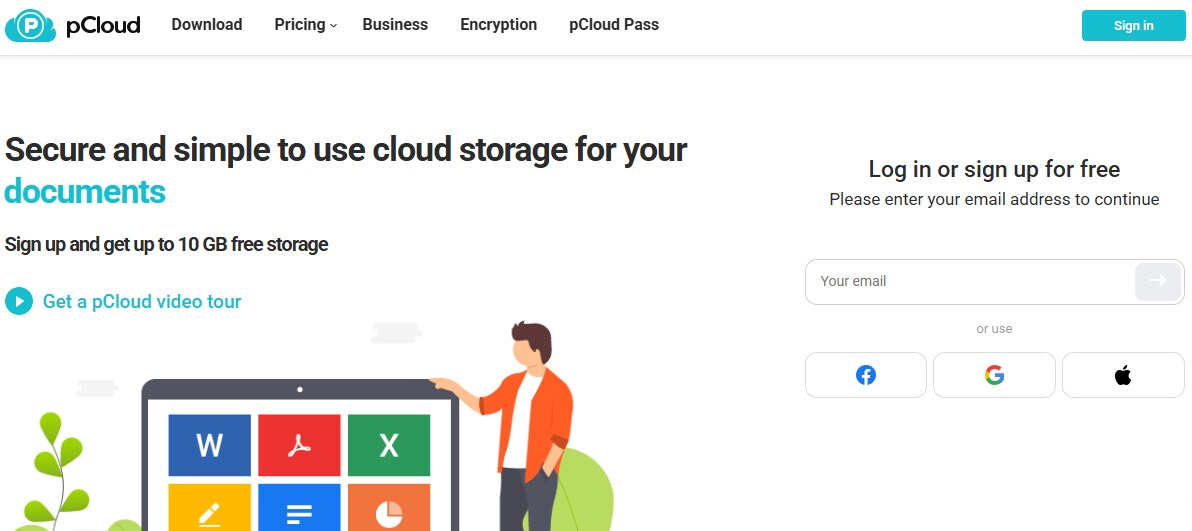
pCloud is the best free cloud storage service for storing music in the cloud. It offers 10 GB of free storage, and you get only 2 GB. To unlock the rest of the storage, you have to complete a few minor tasks.
Its advanced music player lets you stream songs directly. The platform has no file size limits, making it the best cloud storage option for videos. It offers mobile and desktop apps for major operating systems. So, upload files to the cloud and sync them by copying the files to the folder.
Core Features:
- 10 GB of free storage
- Easy backup solution
- Advanced music features
- Blazing speeds
- Advanced syncing
Limitations
- Lacks client-side encryption
- No password protection for sharing links
- Limited file sharing
- No file editing
Pricing:
- 2 TB of cloud storage at $8.33/month
- 2 TB lifetime plan costs $279
MEGA
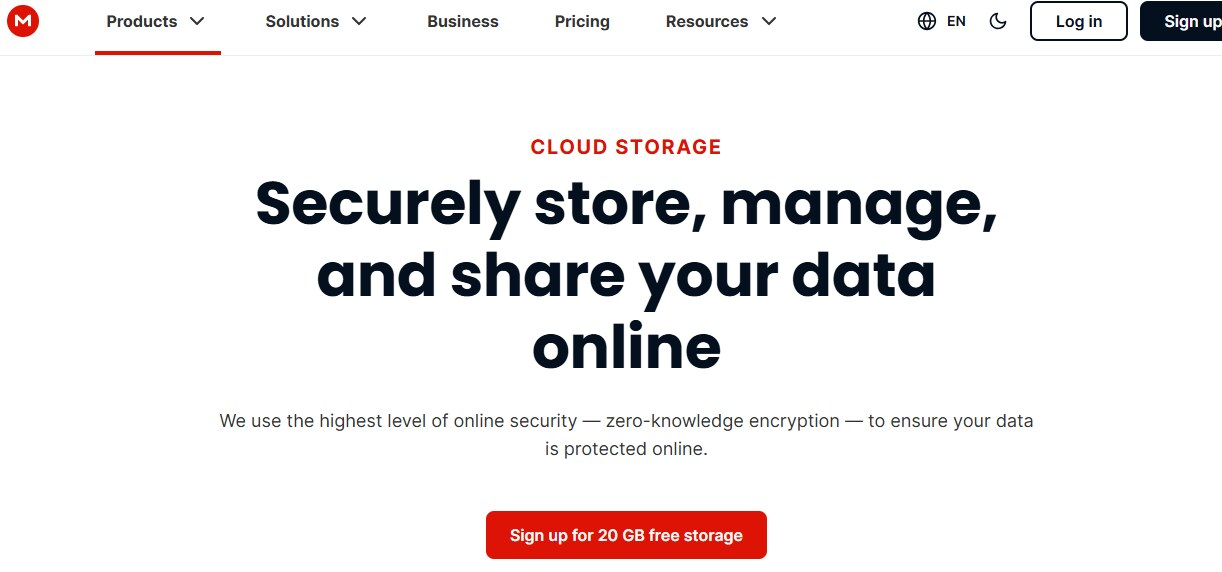
MEGA is the best free cloud storage solution that offers a generous 20 GB of storage for free. You can extend it to 30 GB for a year with referrals. It is known for its massive storage plans (up to 10PB), and it also ensures client-side encryption to protect your files, even on a free plan.
The platform shows support for Windows, Android, Mac, and Linux devices.
Core Features:
- Generous 20 GB of free storage
- Client-side encryption
- Command line tools for advanced features
Limitations
- Transfer limits
- Lost your password
- No third-party integration
- Expensive paid plans
Pricing:
- 2 TB of storage at $8.76/month for a yearly subscription
Microsoft OneDrive
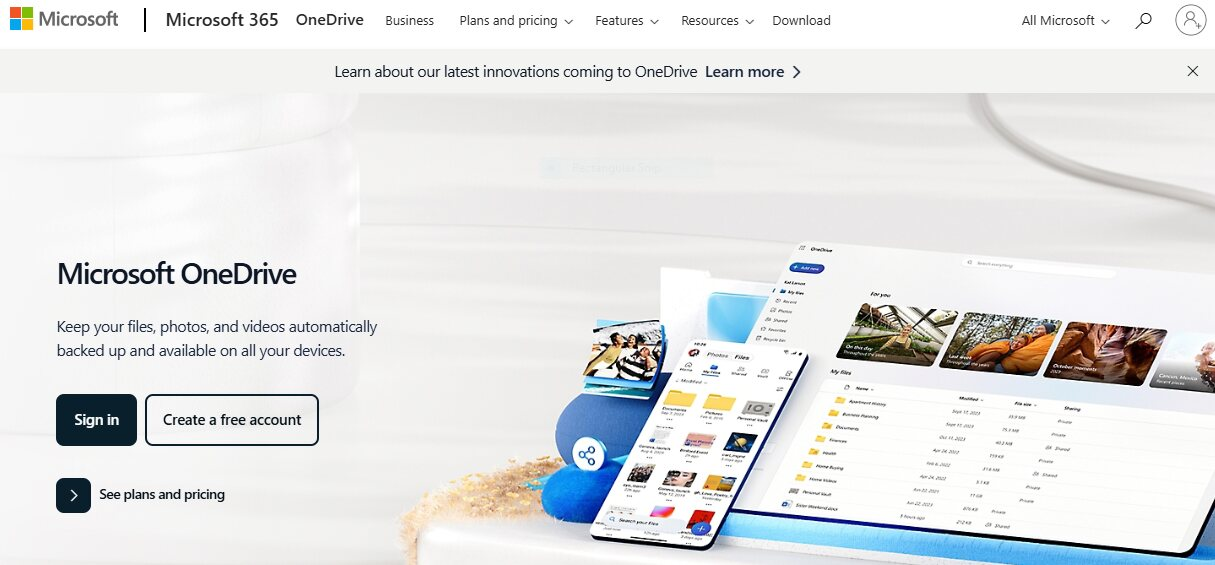
Microsoft OneDrive is the best free cloud storage provider for Microsoft Office users to work on Word, PowerPoint, and Microsoft Office apps. It is a convenient platform that offers well-organized apps for desktop, web, mobile, Mac, and iOS. The platform’s newly redesigned Photo tab automatically organizes your photos into different categories like screenshots, selfies, and others.
Core Features:
- Seamless integration with Microsoft Office apps and Windows
- Cross-platform compatibility for iOS and macOS
- Organized photo library
Limitations
- Harvests user data
- Lacks end-to-end encryption
- File size limits
Pricing:
- 100 GB storageat $1.99/month
- 1 TB cloud storage at $6.99/month
- 6 TB of cloud storage at $9.99/month (shared between 6 users)
Sync.com
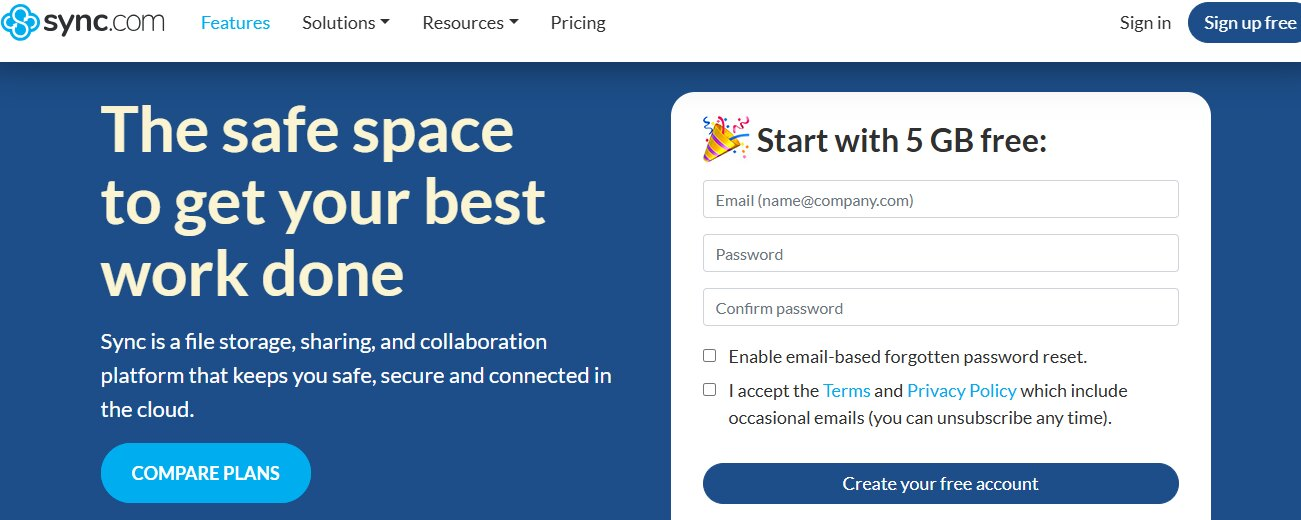
Sync.com is another cloud storage platform that offers a 5 GB free plan. It prioritizes user privacy with its private encryption and end-to-end encryption.
Sync.com is the best storage provider app for productivity, allowing individuals to collaborate on Microsoft Office documents. It also ensures secure file sharing with a broad range of options, including setting passwords and expiration dates for shareable links.
Core Features:
- Zero-knowledge encryption
- Unlimited cloud storage
- Seamless integration with Microsoft Office
- Additional 25 GB via referrals
Limitations:
- File sharing limits
- Least file versioning
- Single folder sync
- Basic user interface
Pricing:
- 2 TB of cloud storage at $8/month
- 200 GBof cloud storage for $5/month
iCloud
Apple’s iCloud is an easy-to-use free cloud storage service that offers effortless backups for your photos, videos, contacts, calendars, documents, notes, and more.
You can sync your files across iOS and Mac users. However, it shows the least support for other platforms. Windows users can run an essential app to sync their data with iCloud. There is no official app for Android users, leaving them with tortuous web interfaces.
Core Features:
- 5 GB of free cloud storage
- Improved file-sharing options
- Slick user interface
Limitations:
- Only Apple-centric
- Lacks Android support
- Limited Windows support
- No advanced features
Pricing:
- 50 GB space for $0.99/month
- 12 TB storage at $59.99/month
MediaFire
MediaFire is a relatively new cloud storage platform that offers decent free storage space with fast speeds and a user-friendly interface. However, it lacks advanced security measures and has no syncing with limited features. It also has poor sharing options, making it unsuitable for sensitive data transfer.
Core Features:
- 10 GB of free storage space
- Fast upload and download speeds
- Decent user interface
Limitations:
- Weak security measures
- Questionable user security
- Lacks file syncing and playback
- No desktop app
Pricing:
- 1 TB storage at $5.83/month
- 2 TB storage at $50/month
Internxt
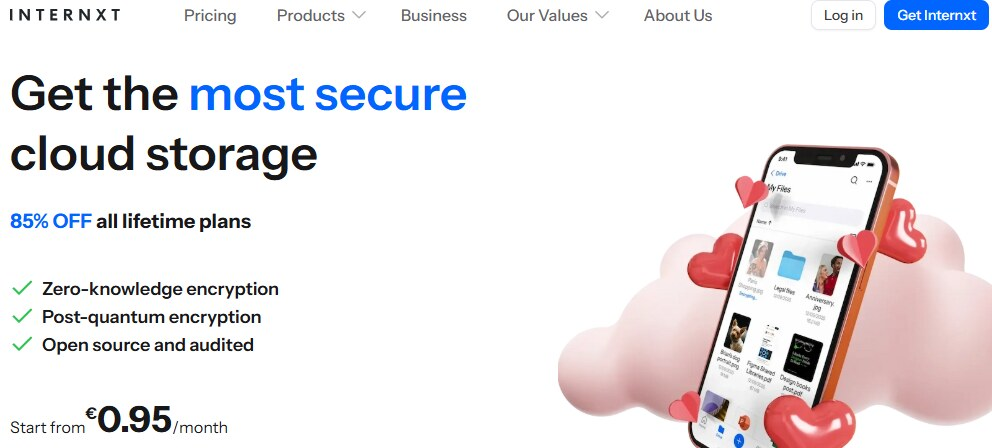
Internxt is an open-source cloud storage provider that offers 1 GB of cloud storage for free. Its user-friendly interface, fast upload speeds, and cutting-edge security measures have earned it a top spot in the list of best free cloud storage apps. The platform shows seamless integrations with web interfaces, Windows Explorers, and Mac Finder.
Core Features:
- 1 GB of free cloud storage
- Advanced security features
- Intuitive interface
- Excellent customer support
- Individual and business plan
Limitations
- Limited file editing and collaboration features
- Expensive storage plans
Pricing:
- 200 GB at $5.49/month
- 2 TB storage at $34.51/month when billed annually
Koofr
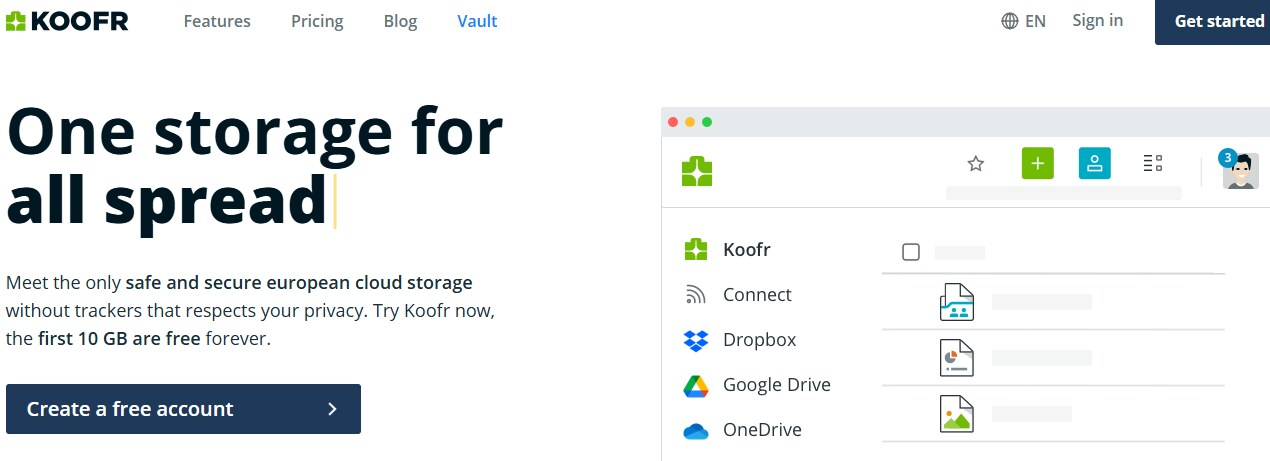
Koofr is a unique free cloud-based file-storing service that offers 10 GB of free storage space with no limitations. It lets users manage multiple providers in a single cloud storage solution. You can integrate it with Google Drive, OneDrive, and Dropbox. Users can collaborate via Microsoft Office. It also offers a client-side vault for sensitive files.
Core Features:
- 10 GB free storage space
- Client-side encryption
- Multiple cloud management
- Seamless integration with Microsoft Office
Limitations:
- Lacks document preview and editing
- Outdated user interface
- Free plan lacks zero-knowledge encryption
Pricing:
-
- 10 GB at $0.50/month
- 25 GB at $1/month
- 1 TB of storage at $10/month
Filen
Filen is a client-side cloud storage solution that offers an ample 10 GB of storage space for free. You can get an extra 30 GB by referring up to 3 friends. This way, free storage space can be extended to a total of 50 GB.
With this vast free cloud storage space, Filen becomes the secure cloud storage service if you can hit all the requirements.
Core Features:
- Open-source cloud storage
- 10 GB of free storage space
- Referral programs for extra free storage
- Client-side encryption measures
- Apps for Android, iOS, Mac, Windows, and Linux
Limitations:
- Lacks collaboration features
- No easy file sharing
Pricing:
- 2 TB plan costs $7.50/month
- 200 GB at $1.67/month
Cheapest Cloud Storage for Photos Backups and File Sharing – TeraBox
Above, we have listed the 12 best cloud storage apps, each with its unique features, offerings, limitations, and pricing plans. Among them, TeraBox stands out as the best free cloud storage for photo backup and file-sharing with its affordable storage plans.
You will get a vast 1024 GB of storage space when signing up and creating your TeraBox account. Individuals and enterprises with significant storage needs can opt for its paid storage plans. The platform offers various premium storage plans at affordable rates. And you can even combine these plans together for more cloud space.
- Its Premium plan comes at only $3.49/month and costs only $35.99 when billed annually.
- 1 TB storage costs only for $19.99 per year.
- 3 TB storage plan costs only $59.99 per year.
- Similarly, its 5 TB storage plan comes at $99.99 per year.
No other famous cloud storage is even closer to that. In addition, its other top-notch features, like automatic backups, fast uploads and downloads, multi-device support, and a recycle bin for deleted files, earned it the number one spot in the list of cheapest cloud storage providers.
Summary
Phone storage is maxed out, and you need extra storage at no cost?
Worry not – in this blog post, we have compiled a list of the 12 top online cloud storage apps for 2025. From TeraBox to Filen, each cloud storage platform is packed with unique features storage plans, and offers something for everyone.
Among them, TeraBox tops the list with its vast free cloud storage, client-side encryption, easy file sharing, and automatic backups.
FAQs
How much does 1 TB of cloud storage cost?
TeraBox offers 1 TB free cloud storage. So, 1 TB of cloud storage costs nothing if you choose TeraBox as your cloud storage provider.
Can I use TeraBox Cloud without paying?
Yes, you can! TeraBox offers 1 TB of free cloud storage space.
How do I instantly free up storage?
To instantly free up storage space on your device:
- Go to your device’s storage settings and identify large files consuming too much storage;
- Delete unwanted large files;
- Optimize your storage;
- Clear cache;
- Check your browser cache and clear the browsing history.