
Came across a funny cat video on TikTok? Favorite movie just released online? Want to binge 5 seasons of TV series with friends offline?
Downloading online videos has become increasingly common — whether for offline viewing, content creation, or educational use. Fortunately, there are many free online video downloaders that work directly in your browser without installing software.
Below are 7 of the best FREE online video download tools, followed by a smarter alternative for users who want not just to download videos, but to create them with AI.
How Can I Download Online Video?
In this era of the internet and technology, a vast majority of internet bandwidth is used on streaming online videos and YouTube accounts for the major share. Although almost every person has access to the internet, some people would still want to download online video. This could be due to either the internet being slow and they are unable to play the video in the desired quality, they just want to save the video fearing it might get deleted in the future, or using it for some project.
It is easy to download a video online when there is a download button but unfortunately, a lot of the websites do not promote video downloading and have removed the download button due to copyright. But still, there are tricks and tools to get your way around this. This is when you will need an online YouTube video downloader to do the task. Using online video downloaders, you can save the video to view it later.
Best 7 Tools to Download Video Online
1. iTubeGo
Best for: Bulk downloads and playlists
iTubeGo lets you download multiple videos at once — including full playlists — and supports popular platforms beyond YouTube. However, iTubeGo is only available on Windows, Mac OS, and Android. There is no app available for iOS. Although the software supports other websites too, it is mainly for downloading YouTube videos. As it is more focused on YouTube, you can convert video to audio files and also select the resolution of the video you want to download. Although it does the job it only downloads the video locally on your storage and soon you will be out of it if you love downloading videos.

Features:
- Batch downloads & playlist support
- Converts to MP4, MP3, and more
- Desktop software for Windows/Mac
Moreover, iPhone users can not enjoy downloading videos as there is no app available for iOS. You will have to pay a premium price if you want to download the video in higher resolutions and at a high speed. It will cost you at least $9.95 per month/ PC to get premium downloads.
2. SnapDownloader
Best for: Versatile video downloader with quality control
SnapDownloader is available for both Windows and Mac OS. Unfortunately, there is no support for Android and iOS. The software comes with a 24-hour trial period after which you have to buy a premium to use its services and a 1-month premium will set you back $6.5. Like other software, you have to copy-paste the link of the video to download it. With premium, you can select the resolution of the video.

Features:
- Wide platform compatibility
- 4K download support
- Built-in converter for MP3/MP4
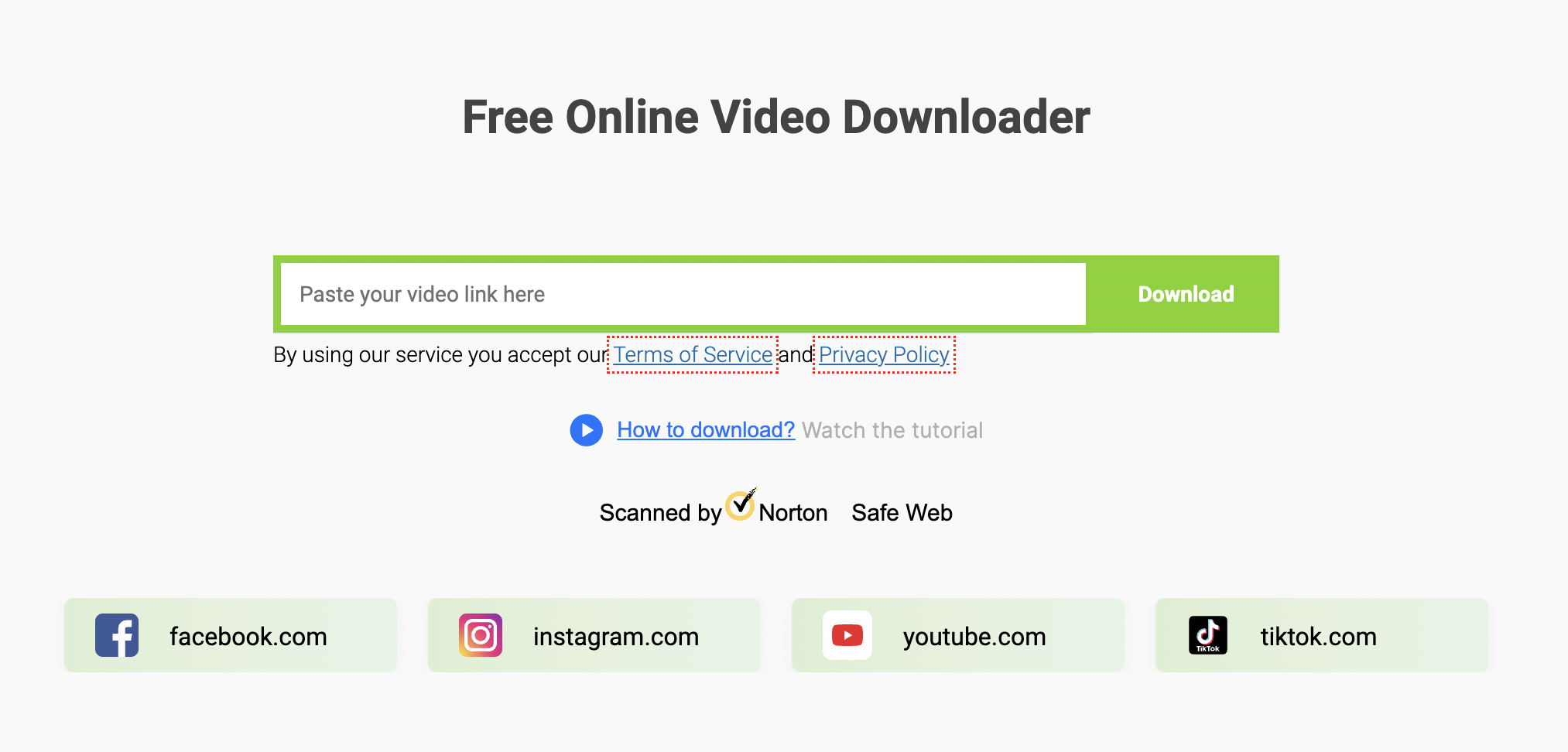
3. SaveFrom.net
Best for: Quick browser downloads from popular platforms
SaveFrom.net lets you download videos directly by pasting a URL. It supports major sites like YouTube, Facebook, Instagram, and more.
Features:
- No registration needed
- Works directly in browser
- Multiple format options
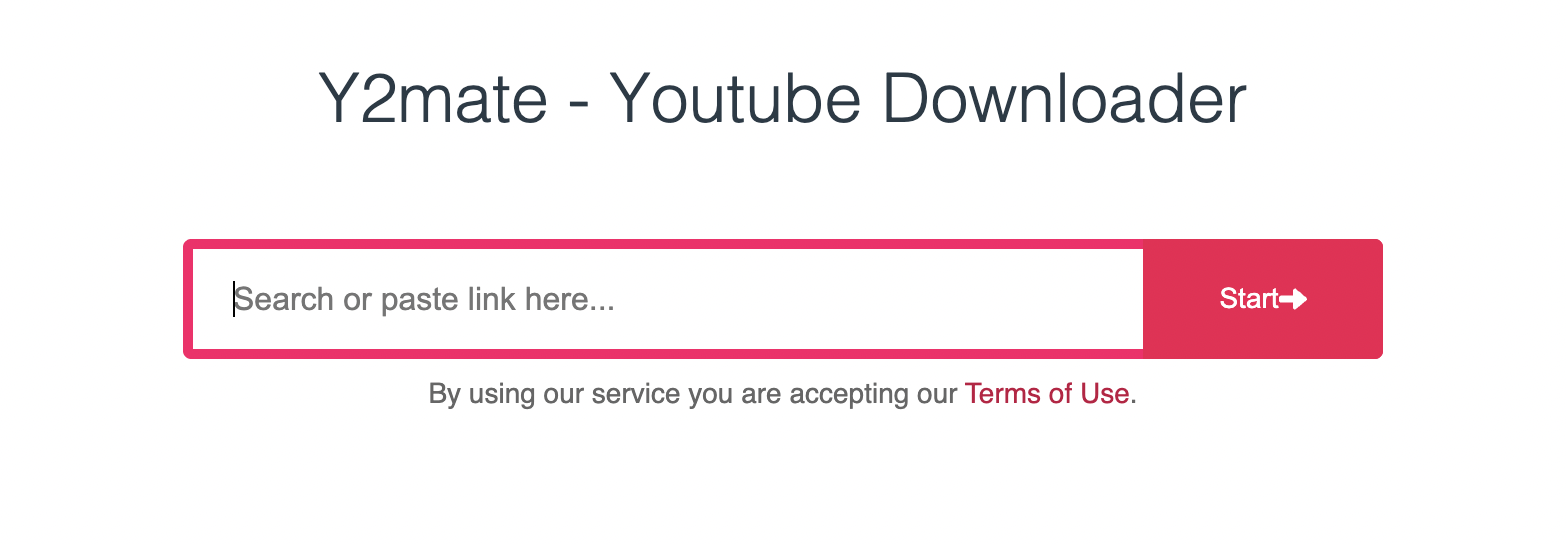
4. Y2Mate
Best for: High-resolution YouTube downloads
Y2Mate is popular for downloading YouTube videos in MP4 or extracting audio in MP3 at various quality levels.
Features:
- Supports HD downloads
- Straightforward interface
- No cost or account required
5. SnapSave
Best for: Social media video downloads
SnapSave works well for downloading videos from Instagram, Facebook, TikTok, and more — all from your browser.

Features:
- Easy and fast
- No account needed
- Works on both mobile and desktop browsers
6. KeepVid
Best for: Broad compatibility
KeepVid supports downloads from a wide range of sites and lets you choose output format and quality.

Features:
- Multi-site support
- Browser-based
- Multiple format choices
7. 9xbuddy
Best for: Simple one-step video downloads
9xbuddy offers a clean, minimal interface. Paste a link, select format, and download — no sign-up or advanced settings.

Features:
- Minimal UI
- Easy to use
- Works on mobile and desktop
Video Downloaders vs. Video Creation Tools
The free video downloaders above are perfect for saving existing online content. Once downloaded, these videos can be securely stored and managed in TeraBox cloud storage, making it easy to access, organize, and back up your media anytime. If you’re saving several short clips for a lesson, presentation, or personal project, a video stitcher app can help turn them into one continuous video before you upload it to cloud storage.
But downloading is only the first step.
What if you want to go beyond saving videos and start creating your own? With TeraBox AI Video Generator, your cloud storage becomes a creative workspace. You can transform ideas into original videos, combine downloaded clips with AI-generated content, and produce high-quality visuals — all within one all-in-one cloud platform.
Instead of choosing between downloading and creating, TeraBox lets you do both seamlessly.
TeraBox AI Video Generator
If you are a content creator, the TeraBox AI Video Generator is your new best friend. By simply uploading your image and apply preset video effects, TeraBox AI can generate high-quality video clips, complete with smooth transitions and intelligent scene selection. It’s perfect for turning your downloaded inspiration into original content.
Step 1: Sign In
Open TeraBox in your browser and sign in. New users can register quickly via email or Google. From the dashboard, select AI Video Generation to enter the workspace.
Step 2: Choose a Template & Upload
Click the Effect Templates tab and pick from 15+ styles (like Anime, Cinematic, or Dynamic). Upload one or two static images (JPG/PNG) to the upload area—no text prompts are required!
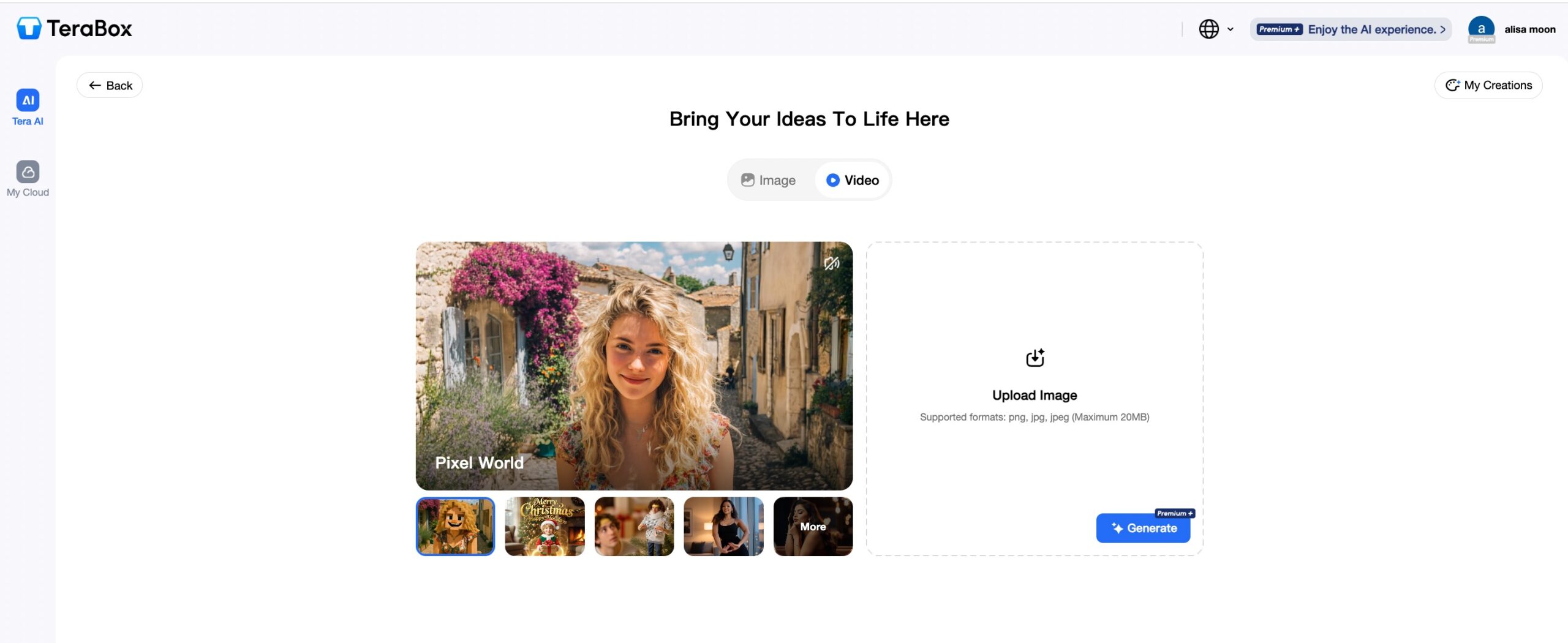
Step 3: Generate & Preview
Click Generate. In seconds, the AI will process your images and provide a high-quality preview with smooth, realistic motion and artistic styling.

Step 4: Download & Save
Click the Download icon to save your watermark-free, high-resolution video directly to your device or your TeraBox cloud storage for easy sharing.
Beyond Video: A Complete AI Creative Suite
TeraBox isn’t limited to just moving images. Its “all-in-one” intelligent space includes:
- AI Presentation Maker (Standard): Struggling with a deadline? Input your topic, and TeraBox will generate a structured, visually appealing PowerPoint presentation for you.
- AI Presentation Agent:Take presentations a step further. TeraBox AI Presentation Agent doesn’t just generate slides — it thinks for you. It analyzes your topic, organizes key points, suggests content structure, and refines the narrative to ensure your presentation is clear, persuasive, and professional.
- AI Image Generator: Transform your descriptions into stunning digital art. Whether you need a “Cyberpunk city” or a “Studio Ghibli style landscape,” the AI delivers in seconds.
- AI PPT Beautify: Already have a presentation? Upload it and let TeraBox automatically enhance your slides. The AI improves layout, typography, color schemes, and visual balance — transforming plain slides into polished, modern presentations with zero design skills required.
- Deep Research: Need accurate, structured information fast? Deep Research helps you analyze topics, summarize key insights, and extract reliable data, making it ideal for reports, presentations, and content planning. Spend less time searching and more time creating.
- AI Study Assistant: Transforms YouTube videos into comprehensive learning resources. It analyzes and summarizes video content, converts speech to text with precision, and automatically generates interactive study materials — turning passive watching into active learning.
Further reading: Google Slides Presentation Maker: Best Tools, AI Options, Templates, and How to Build Slides Faster
One Platform. Endless Possibilities
From saving videos to generating new ones — from creating images to building and beautifying presentations — TeraBox brings everything together in one intelligent cloud workspace.
Whether you’re a creator, student, marketer, or professional, TeraBox helps you turn ideas into finished content — faster than ever.
👉 Download, generate, design, and present — all in one place.
Wow, this piece of writing is nice, my younger sister is analyzing such things, therefore I am going to convey
her.
Good article! We are linking to this great post on our site. Keep up the good writing.|
It’s hard to come by knowledgeable people for this topic, however, you sound like you know what you’re talking about! Thanks|
I quite like reading through an article that will make men and women think. Also, thank you for allowing for me to comment!|
It’s impressive that you are getting thoughts from this piece of writing as well as from our dialogue made at this place.|
Pretty! This has been an incredibly wonderful article. Thanks for supplying this info.|
Hi there to all, how is all, I think every one is getting more from this web page, and your views are fastidious for new users.|
I like looking through an article that will make people think. Also, thanks for allowing me to comment!|
Everything is very open with a really clear description of the issues. It was really informative. Your website is useful. Thank you for sharing!|
This is my first time pay a visit at here and i am actually pleassant to read all at single place.|
It’s an amazing article designed for all the web visitors; they will get advantage from it I am sure.|
It’s amazing in favor of me to have a site, which is good designed for my experience. thanks admin|
It’s awesome for me to have a web page, which is beneficial designed for my experience. thanks admin|
Hi there, I enjoy reading all of your article. I like to write a little comment to support you.|
Excellent article. Keep posting such kind of information on your page. Im really impressed by it.
Very descriptive post, I liked that a lot. Will there be a part 2?|
Thank you for choosing TeraBox, if you would like to learn more about this section, please follow our blog for more information and help. Thank you for your continued support!
Way cool! Some very valid points! I appreciate you writing this article plus the rest of the site is extremely good.|
Thank you for sharing your info. I really appreciate your efforts and I will be waiting for your next write ups thank you once again.|
WOW just what I was searching for. Came here by searching for keyword|
Helpful info. Lucky me I discovered your website accidentally, and I’m stunned why this coincidence didn’t came about in advance! I bookmarked it.|
I’d like to find out more? I’d like to find out some additional information.|
This is a topic that’s close to my heart… Thank you! Where are your contact details though?|
Saved as a favorite, I like your website!|
Hi to all, it’s actually a pleasant for me to visit this web page, it consists of important Information.|
What’s up, every time i used to check web site posts here early in the break of day, as i enjoy to gain knowledge of more and more.|
I always spent my half an hour to read this web site’s posts everyday along with a mug of coffee.|
What’s up, just wanted to mention, I loved this blog post. It was inspiring. Keep on posting!|
Very good post. I’m dealing with a few of these issues as well..|
Thanks for sharing your thoughts about meta_keyword. Regards|
I go to see daily some blogs and blogs to read content, however this web site provides feature based content.|
Keep on working, great job!|
I used to be able to find good advice from your content.|
Thanks for sharing your info. I really appreciate your efforts and I am waiting for your further write ups thank you once again.|
I have read so many articles or reviews about the blogger lovers except this piece of writing is truly a good piece of writing, keep it up.|
This text is invaluable. How can I find out more?|
If you are going for finest contents like myself, only visit this site daily for the reason that it offers feature contents, thanks|
This website truly has all of the info I wanted concerning this subject and didn’t know who to ask. |
Appreciate this post. Let me try it out.|
Wow, I was really satisfied with the performance of TeraBox. The download speed was incredibly fast and the quality of the videos was preserved perfectly. It’s great to have a free online video downloader that doesn’t compromise on quality!