TeraBox is more than just a free cloud storage solution with ample 1TB storage space; it is a robust fortress of security and a reliable companion for all your digital needs. With its cutting-edge technologies and stringent protocols, TeraBox ensures the safety of your important files by providing secure backups and freeing up valuable device space. It’s not just a storage space; it’s a secure vault where your files are shielded against potential threats.
However, users need follow certain steps to protect their valuable data. This article aims to provide you with practical tips and tricks to ensure a safe and secure TeraBox experience, including login and usage guidelines, as well as essential safety measures.
1. Use a Strong Password
It is vital to create a strong password to bolster the security of your TeraBox account. A strong password combines uppercase and lowercase letters, numbers, and special characters. Avoid using easily guessable information, such as birthdates or common words. A strong password is crucial for ensuring a safe TeraBox login. Additionally, make a habit of regularly updating your password to maintain optimal security.
2. Secure Your Files with Personal Vault
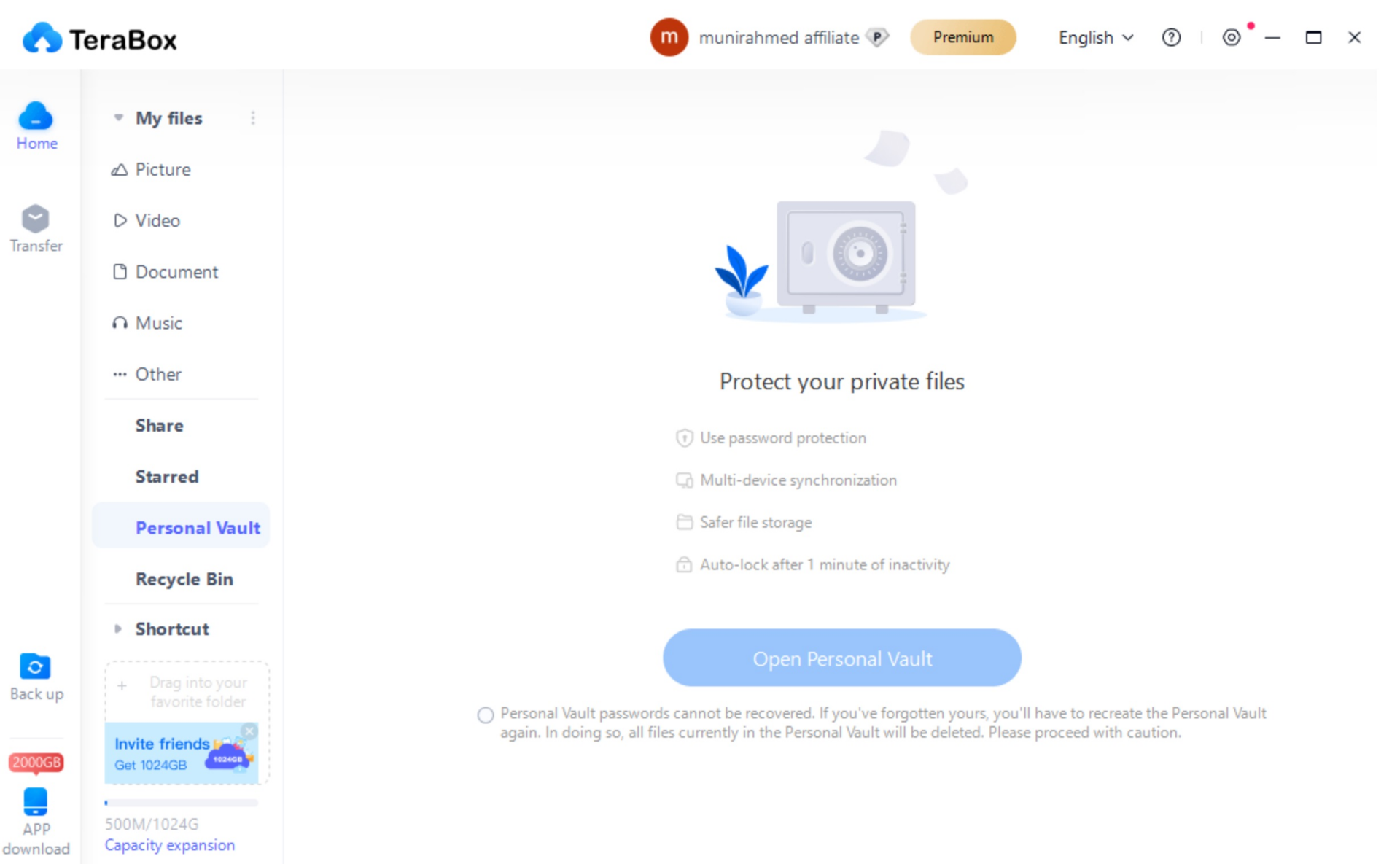
TeraBox offers a special feature called Personal Vault, which adds an extra layer of protection for your private files. You can open Personal Vault to store your private files. By setting an additional password, you can fortify the security of your vault. Furthermore, consider enabling the auto-lock feature, which automatically locks the screen after a minute of inactivity. Even if your device is broken or stolen, your sensitive files are securely protected.
3. Audit Sharing Permissions for Files and Folders
When sharing files through TeraBox, don’t forget to review and control the permissions granted to recipients. Consider adding password protection to shared files and setting an expiration date for their accessibility. This ensures that only authorized individuals can access your shared files and prevents unauthorized access after a specific period.
Further reading:TeraBox Review(Can You Trust This App For Storing Your Data)
4. Use a Secure Connection (HTTPS)
Whenever you access TeraBox, make sure you are using a secure connection by accessing the platform through HTTPS (Hypertext Transfer Protocol Secure). This encryption protocol enhances the security of your data during transit, making it challenging for unauthorized parties to intercept and access your information. This precaution is particularly important when using public computers or unsecured networks.
5. Beware of Phishing Attempts
Be cautious of suspicious emails or links that may lead to phishing sites. TeraBox will never ask for sensitive information, such as passwords or credit card details, via email. If you receive an email requesting such information, delete it immediately and report it to TeraBox customer support. Phishing attempts aim to trick users into divulging their personal information, so remaining vigilant is crucial for maintaining data security.
6. Sign Out When Not in Use
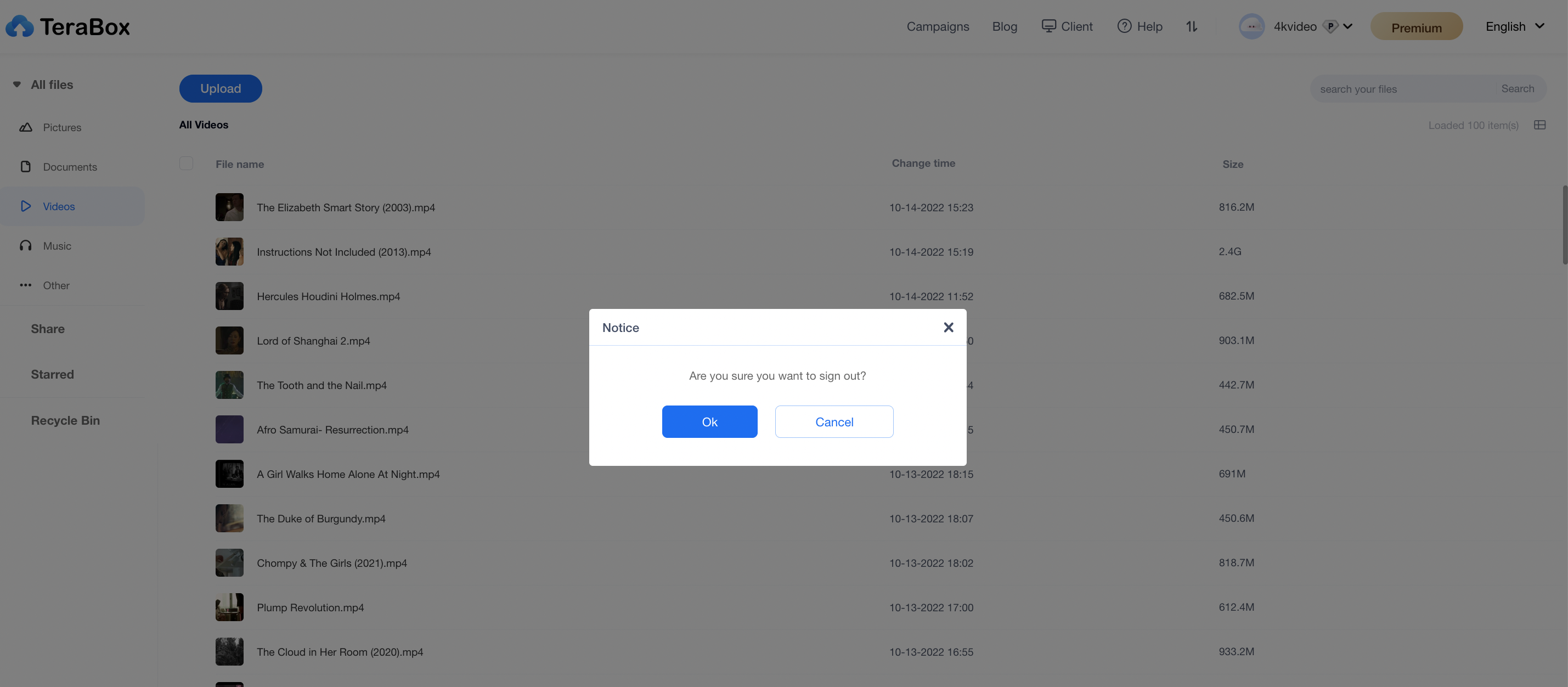
Remember to sign out when you are not actively using TeraBox, especially when accessing it from public computers. Failing to do so may leave your account vulnerable to unauthorized access. Always remember to log out to protect your data and maintain your privacy.
7. Device Security
To prevent unauthorized access and data breaches, make sure that the devices you use to access TeraBox have updated antivirus software installed. Regularly scan your devices for malware to keep them secure and ensure cloud data security.
8. Stay Informed About TeraBox Updates
Regularly check for product updates and new releases from TeraBox regarding their latest security features. If you know about the platform’s security updates, you can use the newest safety features and have the best TeraBox experience possible.
9. Customer Support
In case of any issues or concerns regarding your TeraBox experience, please reach out to our customer support team for assistance through email or social media platforms, such as Facebook, Telegram, and Twitter. We will provide guidance and resolve any security-related queries you may have.
By following these tips and tricks, you can enhance the security of your TeraBox experience and protect your valuable data in the cloud. Of course, TeraBox team will keep working, ensuring you enjoy the best cloud storage service. Trust TeraBox to be your guardian, and download TeraBox APK now!